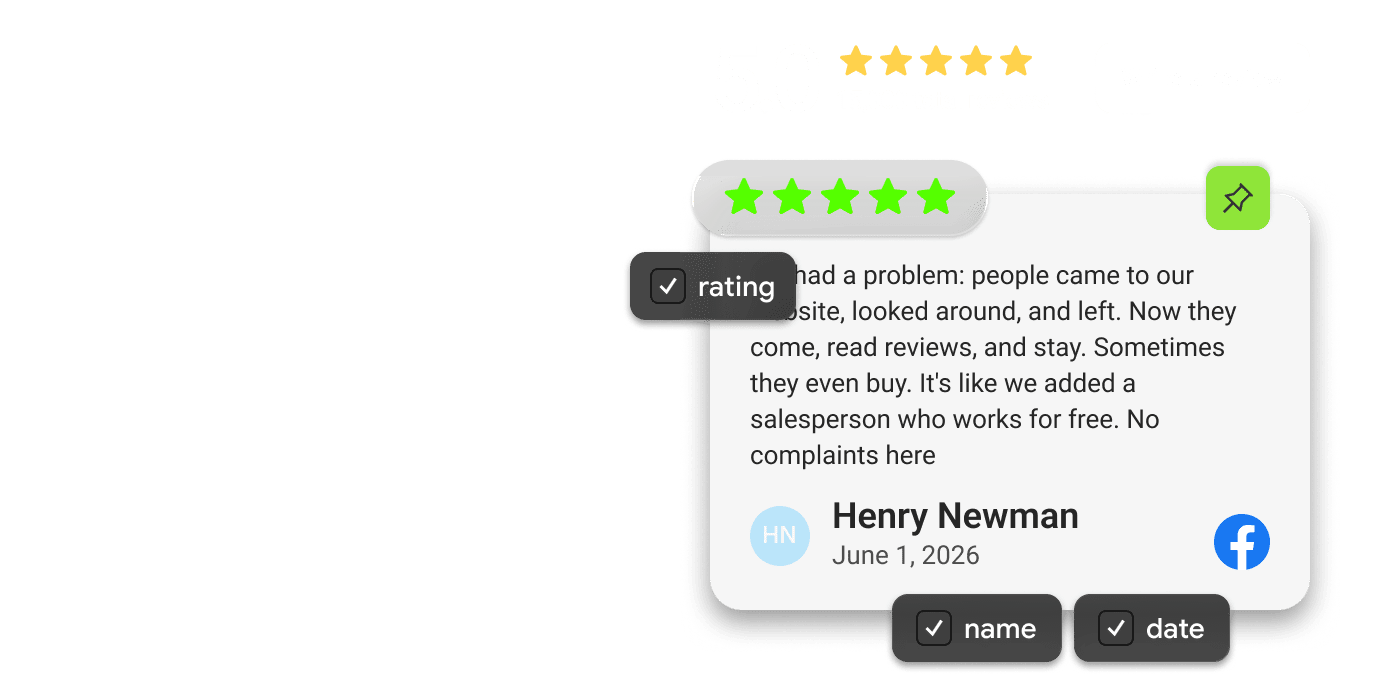
Mirror App Facebook Reviews Widget — customer review with star rating, reviewer name, review text, and platform logo displayed on a website
Updates automatically. No developer needed
Facebook Reviews Widget

Turn Customer Reviews Into Trust — Right on Your Site

Display Facebook reviews and recommendations directly on your website and turn customer feedback into visible social proof. Customize the look. Keep them fresh. No code needed
Your best Facebook reviews shouldn’t stay on Facebook. Bring those reviews and recommendations directly to your website, where visitors are deciding whether to buy, book, or contact you 🎯
✨ Turn your Facebook reputation into social proof that works across your website ✨

Connect Facebook in Seconds

Connect your Facebook Page and bring customer reviews and recommendations directly to your website
Connect in One Click
Connect your Facebook account and select your Page
Automatic Updates
Keep your widget fresh as new reviews appear
Real Facebook Reviews
Show authentic feedback from your customers

Add Facebook Reviews to Your Website

in Three Steps

Mirror App [Google/Facebook] Reviews Widget — connecting a Facebook Page to the widget in one click
1

Connect Facebook

Connect your Facebook account and select the Facebook Page whose reviews you want to display
Mirror App Facebook Reviews Widget customization interface — choosing layout, colors, fonts, and card styles to match a website design
2

Customize

Choose a layout and customize colors, fonts, cards, ratings, and other elements to match your website
Mirror App Facebook Reviews Widget embed screen — copying the code snippet to add the widget to a website
3

Embed

Copy the embed code and add your Facebook Reviews Widget to your website. No developer needed

✨ Try the Facebook Reviews Widget ✨

See how your Facebook reviews could look on your website

Your Reviews, Your Rules

Show Reviews Your Way

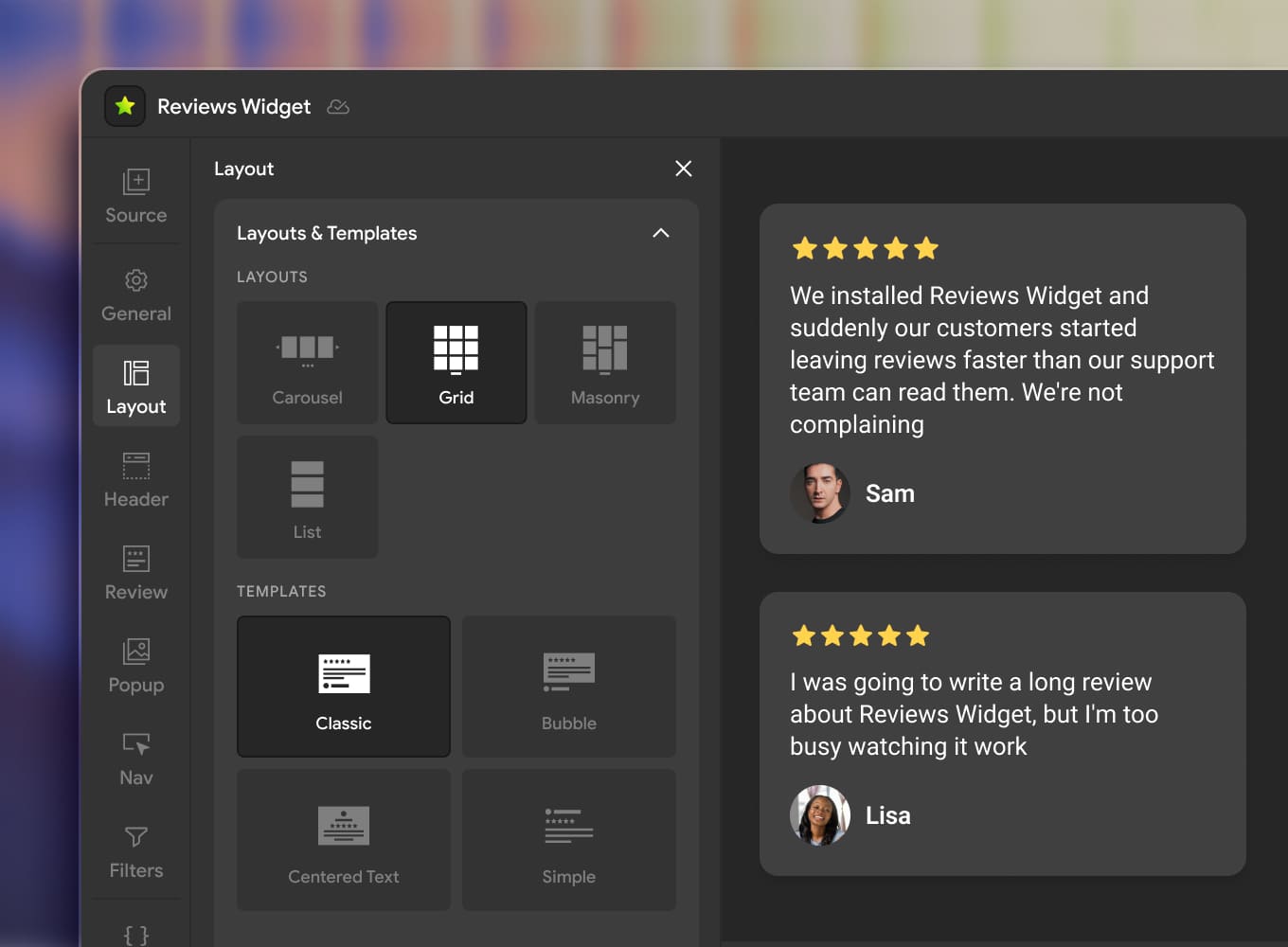
Choose the layout that works best for your website and make every detail feel like part of your brand

Show Reviews Your Way

Choose the layout that works best for your website and make every detail feel like part of your brand
Grid / Masonry / List: a clean wall for trust pages
Carousel: autoplay, drag, arrows, dots for homepages
Styles: Classic, Bubble, Centered. Simple to match your brand
Fine control: columns & spacing for desktop, tablet, mobile
Customize Your Facebook Reviews
Mirror App Facebook Reviews Widget — layout options including grid, slider, carousel, and list view for displaying customer reviews

Put Your Best Reviews First

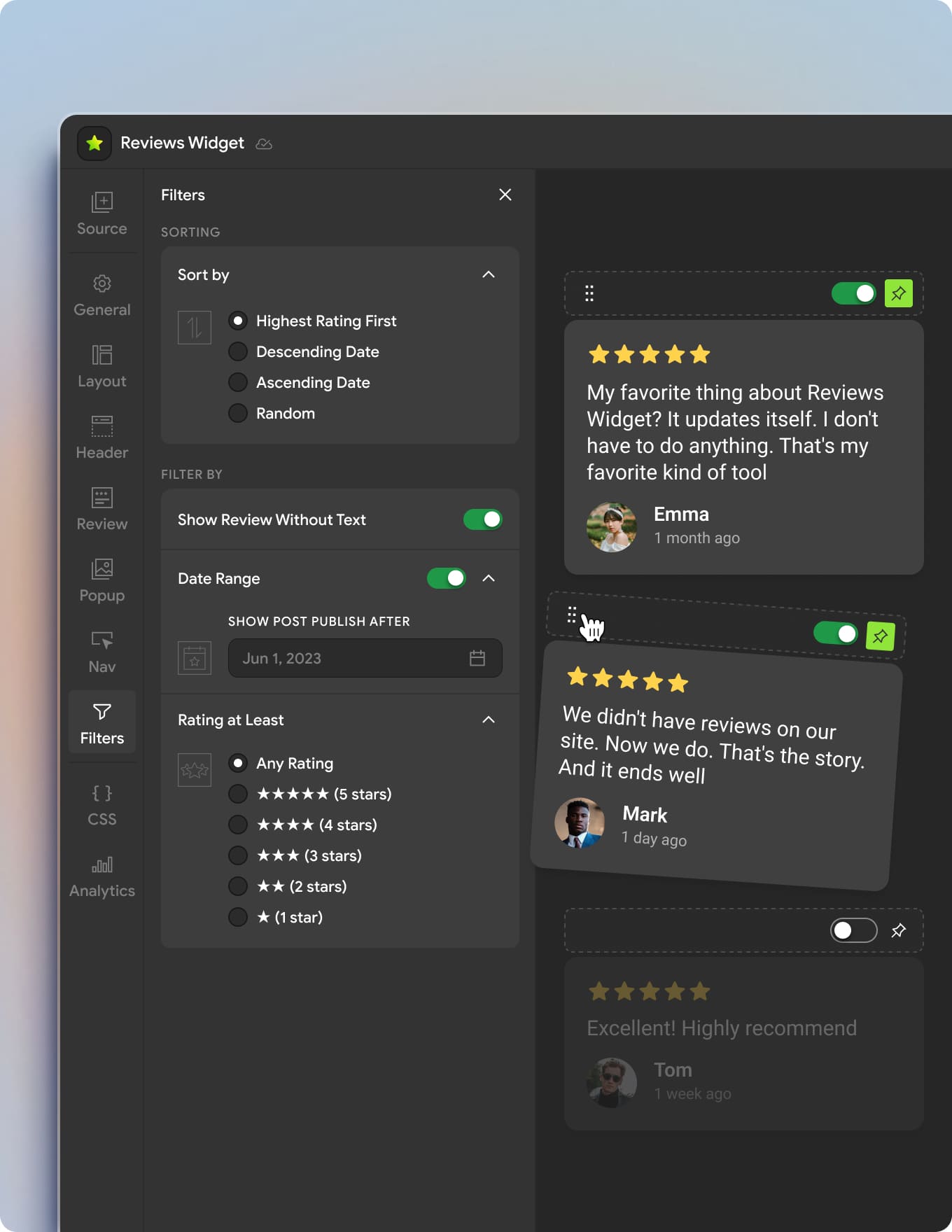
Control which Facebook reviews visitors see and in what order

Put Your Best Reviews First

Control which Google reviews visitors see and in what order
Filter by rating or date
Hide reviews without text
Sort reviews
Pin your best Facebook reviews
Drag & drop pinned reviews into your preferred order
Hide individual reviews
Manage Your Reviews
Mirror App Facebook Reviews Widget — drag and drop interface for pinning, sorting, and reordering customer reviews

Turn Happy Visitors Into New Facebook Reviews

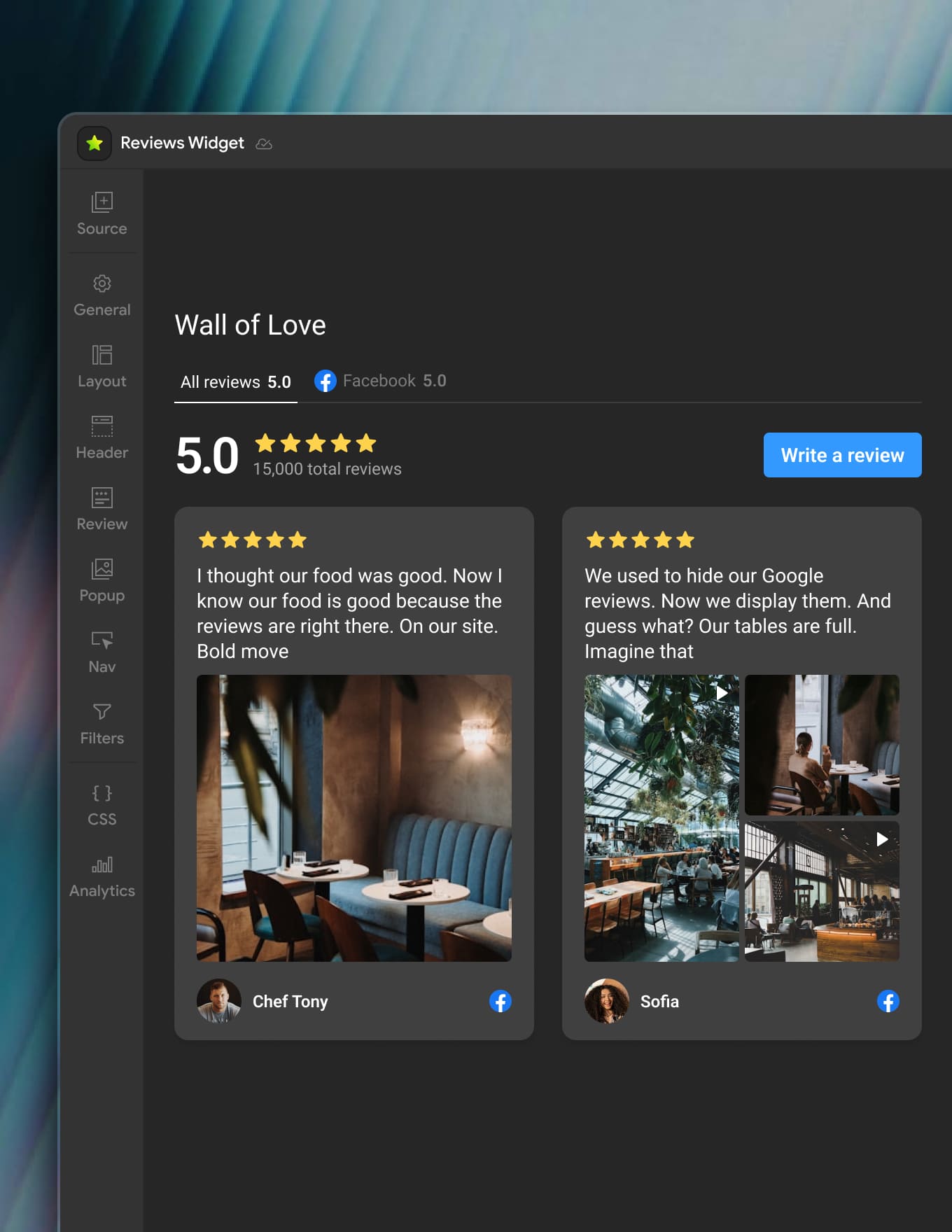
Add a “Write a Review” button to your widget and give customers a direct path to leave feedback on Facebook

Turn Happy Visitors Into New Google Reviews

Add a “Write a Review” button to your widget and give customers a direct path to leave feedback on Google
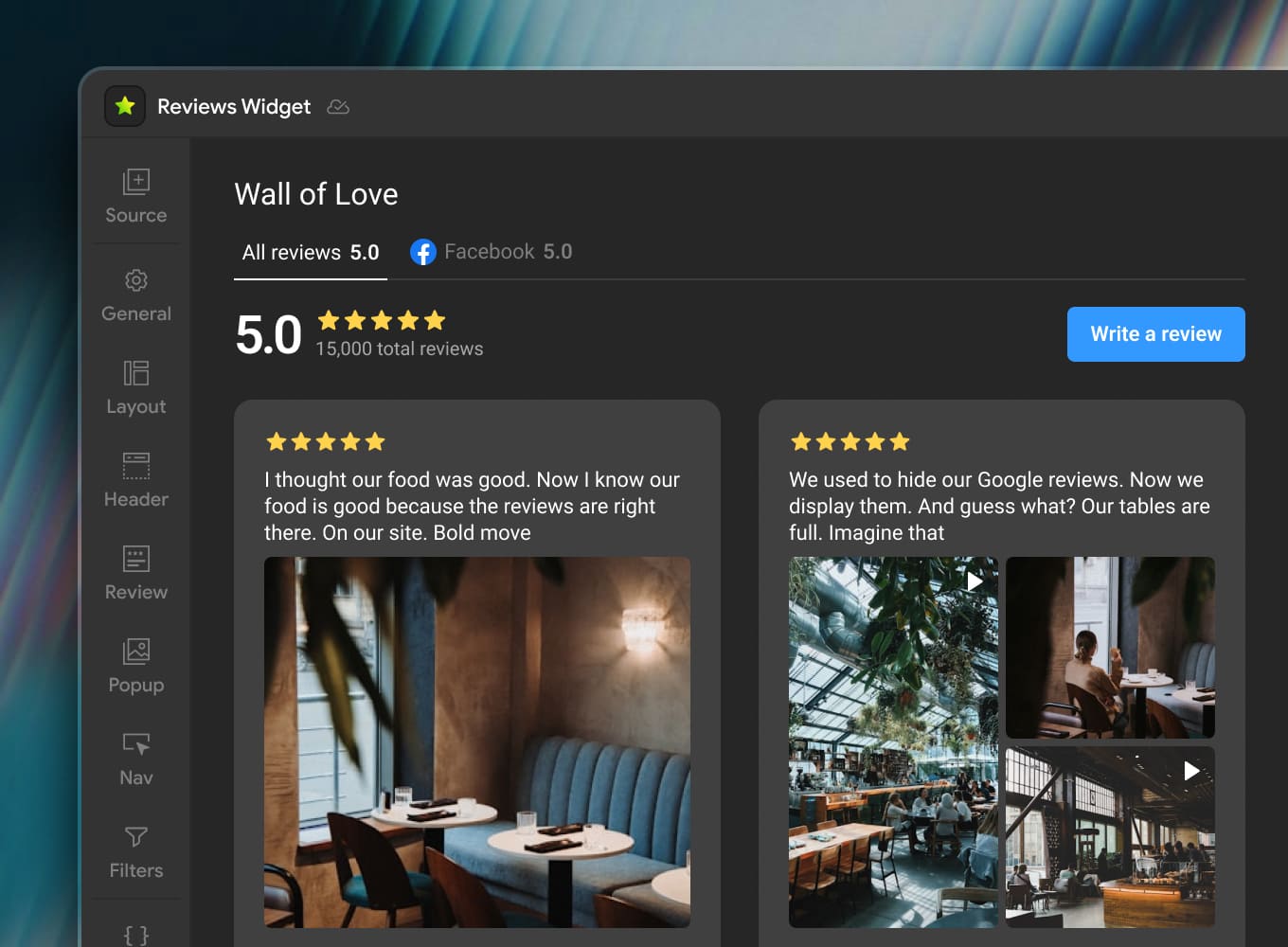
Live rating: show your average score and total review count
Write a Review button: visitors click and choose Facebook
Collect More Reviews
Mirror App Facebook Reviews Widget — Write a Review button directing customers to leave feedback on Facebook directly from the website

See What Your Reviews Actually Do

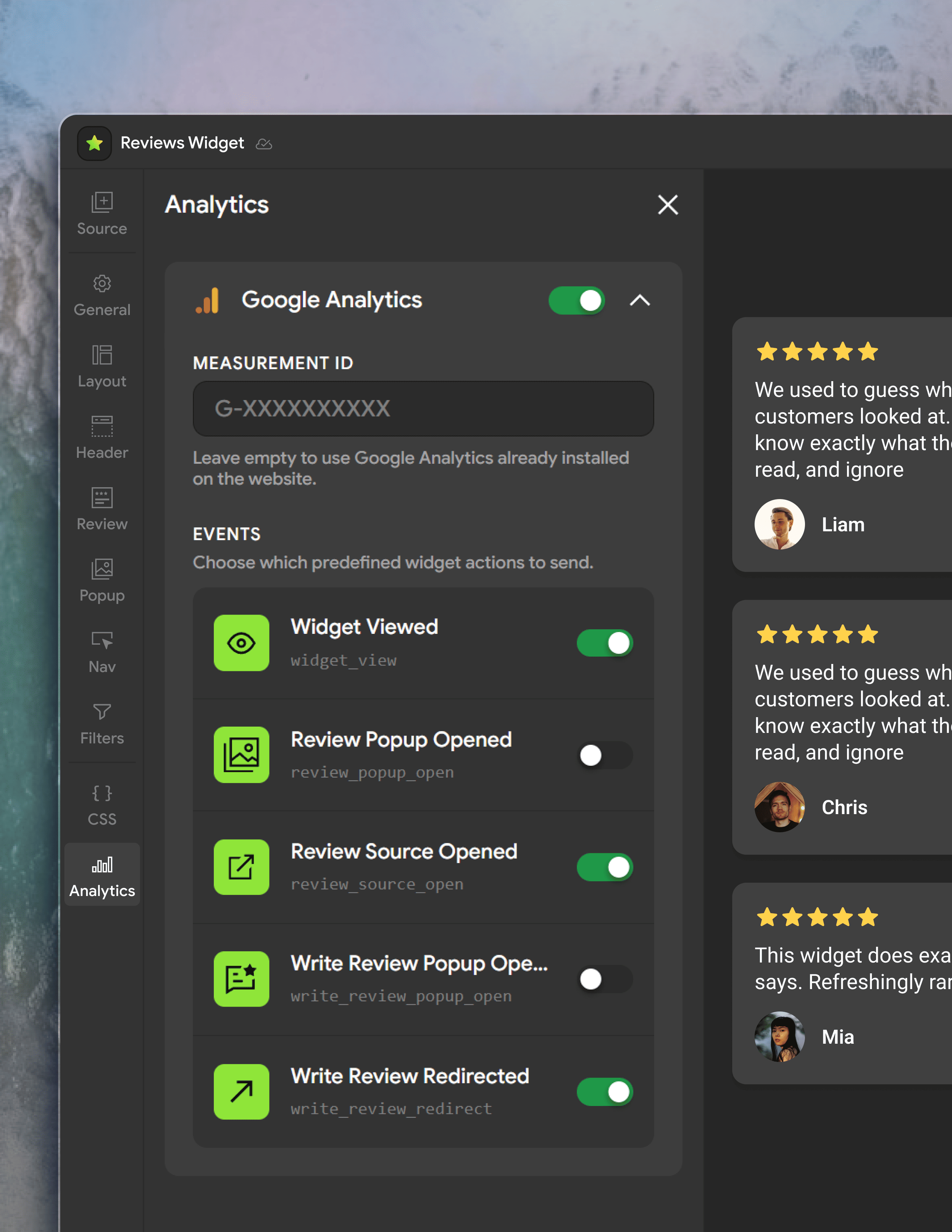
Track how visitors interact with your Facebook Reviews Widget, not just how many people visit your page

See What Your Reviews Actually Do

Track how visitors interact with your Google Reviews Widget, not just how many people visit your page
Connect Google Analytics and track: widget views, review opens, Facebook source click, write a review click
Connect Google Analytics
Mirror App Facebook Reviews Widget — Google Analytics tracking interface showing widget views, review opens, source clicks, and Write a Review interactions
Mirror App Facebook Reviews Widget — layout options including grid, slider, carousel, and list view for displaying customer reviews
Mirror App Facebook Reviews Widget — drag and drop interface for pinning, sorting, and reordering customer reviews
Mirror App Facebook Reviews Widget — Write a Review button directing customers to leave feedback on Facebook directly from the website
Mirror App Facebook Reviews Widget — Google Analytics tracking interface showing widget views, review opens, source clicks, and Write a Review interactions
Wall of Love

What Customers Say

This is our live widget — real reviews from Google and Facebook

Turn Facebook Reviews Into On-Site Trust

Keep Visitors on Your Site
Let people read Facebook reviews without leaving your website to look up your business on Facebook
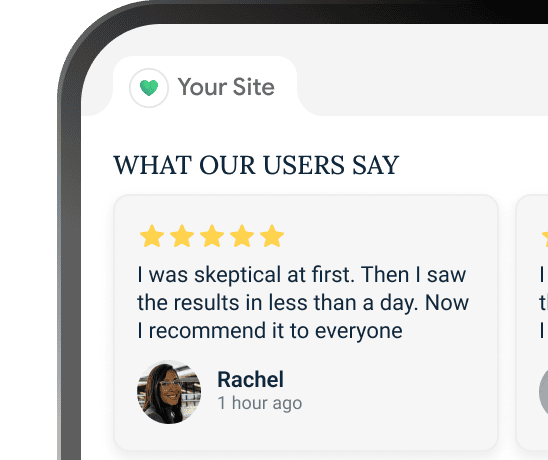
Mirror App Facebook Reviews Widget — customers reading reviews directly on a website without leaving to search for the business on Facebook

Stay Fresh

Keep your Facebook Reviews Widget updated as new customer feedback appears

Stay in Control

Choose which reviews visitors see and how they’re displayed
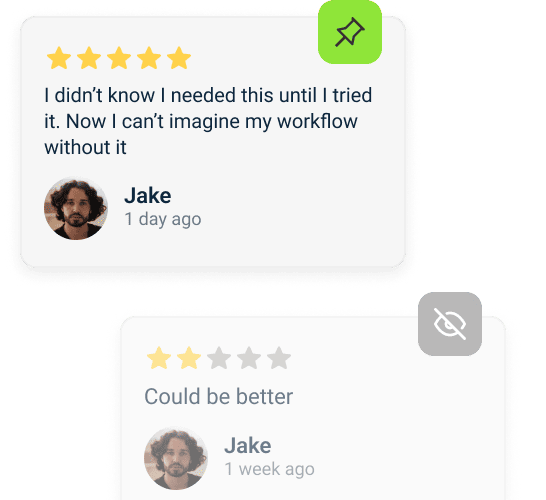
Mirror App Facebook Reviews Widget — control panel for selecting, filtering, and sorting customer reviews before displaying them on the website

Build Credibility

Show real customer experiences from Facebook while visitors are deciding

Mirror App Facebook Reviews Widget — customer reviews displayed on a website, building social proof and trust with visitors

Add Facebook Reviews

to Any Website

Put Your Facebook Reviews to Work

Add your Facebook Reviews Widget to your website in minutes
Add Facebook Reviews for Free
no credit card required

FAQ & Contacts

What is a Facebook Reviews Widget?

A Facebook Reviews Widget lets you display customer reviews and recommendations from your Facebook Page directly on your website. With Mirror App, you can showcase customer feedback in a customizable widget that matches your website design

How Do I Add Facebook Reviews to My Website?

Connect your Facebook account, select your Page, choose a layout, customize the widget, and embed it with a simple code — no coding required

Which Facebook Page Can I Connect?

Any Page your Facebook account has access to. Mirror App will show available Pages during connection. Permissions are required to retrieve reviewsMirror App requires the relevant Facebook Page permissions in order to retrieve and display its reviews

Will New Facebook Reviews Update Automatically?

Yes — on paid plans. Reviews update automatically based on your plan. On the Free plan, you can refresh manually

Can I Choose Which Facebook Reviews Appear on My Website?

Yes. Filter, sort, pin, hide, and drag & drop reviews into the order you want. Put your strongest feedback first

Can I Customize the Facebook Reviews Widget?

Yes. Choose from layouts and customize colors, fonts, cards, spacing, and ratings. Fully responsive on all devices

Can Visitors Leave a Facebook Review From the Widget?

Yes. Add a “Write a Review” button that directs visitors to Facebook, making it easy to collect feedback

Can I Track Facebook Reviews Widget Interactions in Google Analytics?

Yes. Track widget views, review opens, Facebook source clicks, and “Write a Review” clicks. Understand how visitors engage with your reviews

Does It Work With WordPress, Shopify, Wix, Webflow, and Squarespace?

Yes. Works with any website that supports custom embed code. Create, customize, and embed — all in Mirror App

Still Have Questions or Feedback?

We usually respond within a few hours