








Share
Share
Share
Share
Share
Share
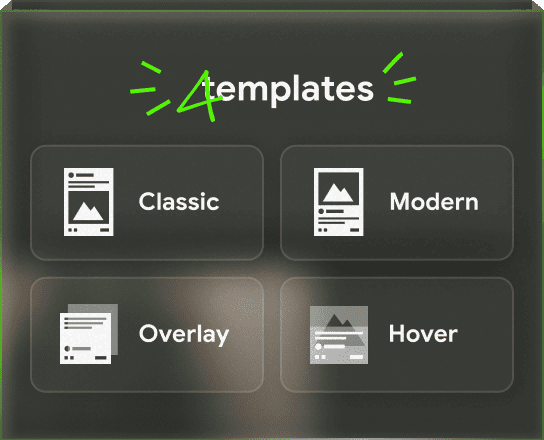


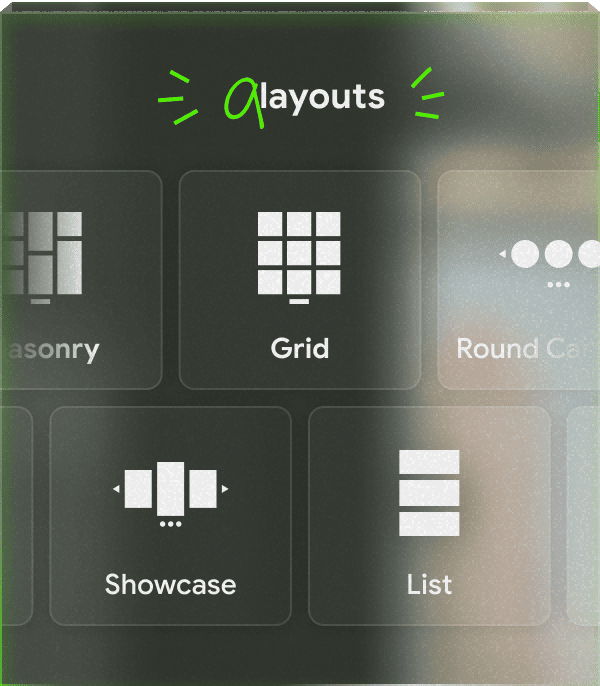
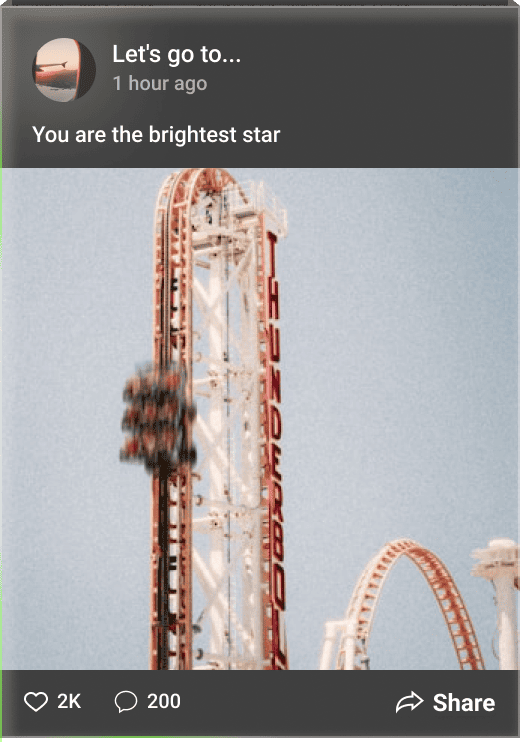
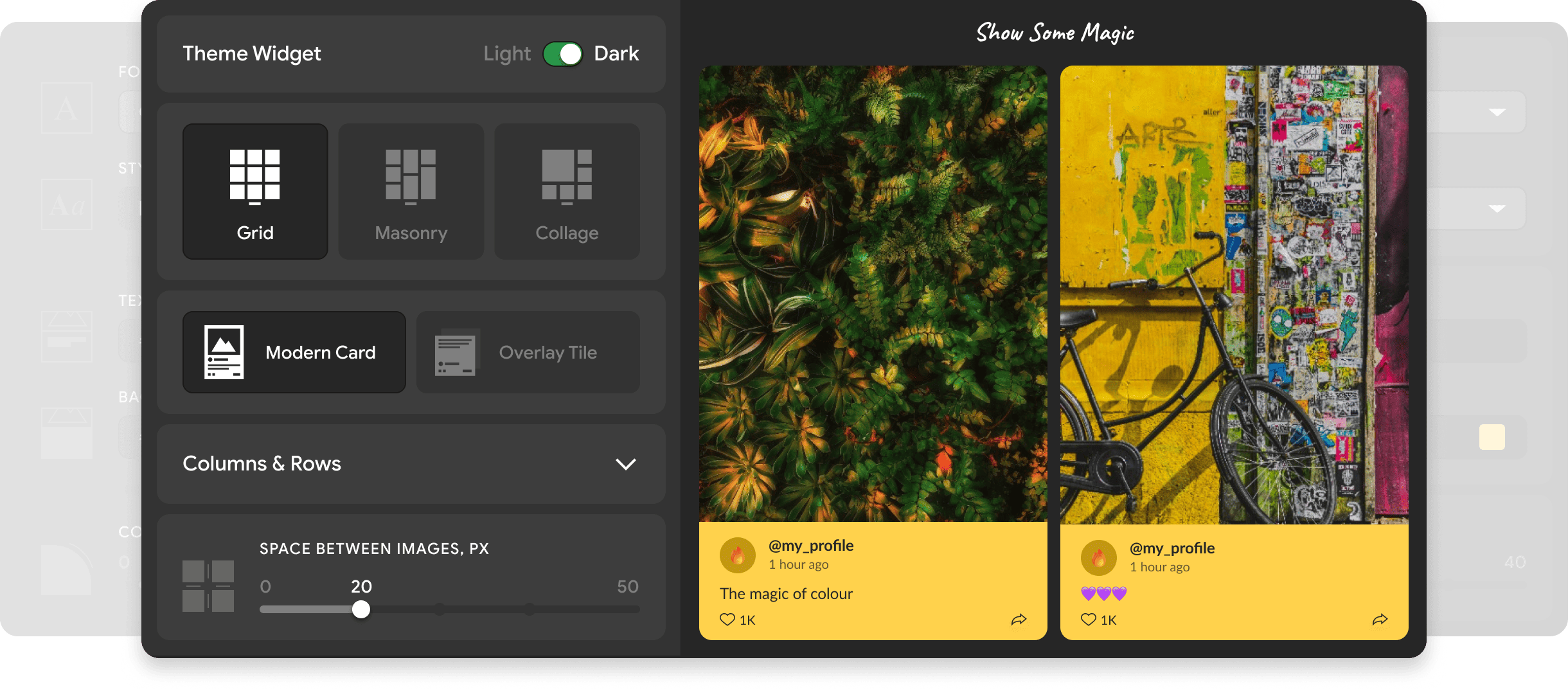
🎬 Mirror App YouTube Feed for WordPress lets you display your channel, playlists, and shorts as a stunning video gallery on your site. Keep visitors watching with auto-updating videos 🔄 and customizable layouts 🎨
Perfect for educators 👩🏫, brands 🏷️, creators ✨, and businesses 💼 building trust through storytelling
✨Play
with YouTube Feed
Right Here✨
No Registration Required
no credit card
WordPress Plugin:
Quick 1-Minute Setup Guide
Step 1
Install the Plugin
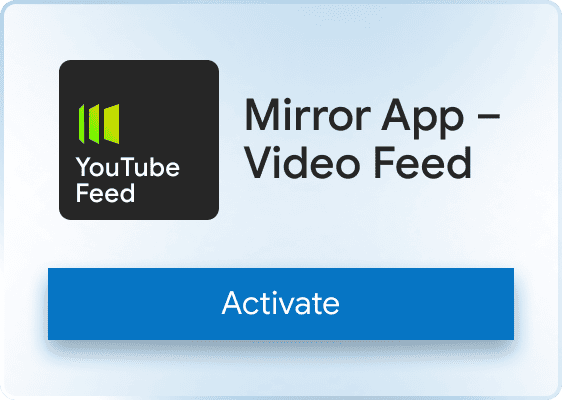
Go to WordPress → Plugins → Add New. Search for “Mirror App – Video Feed” → Install → Activate
Step 2
Create Widget in Mirror App
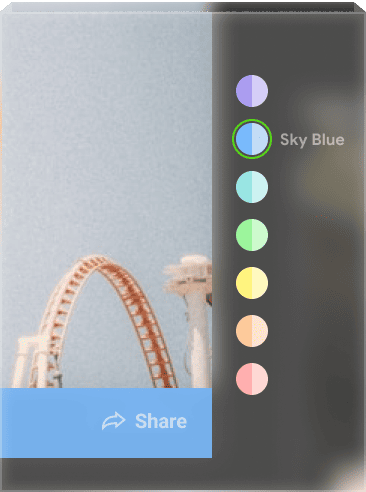
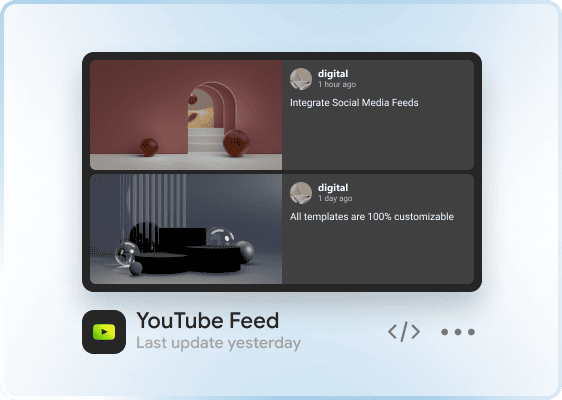
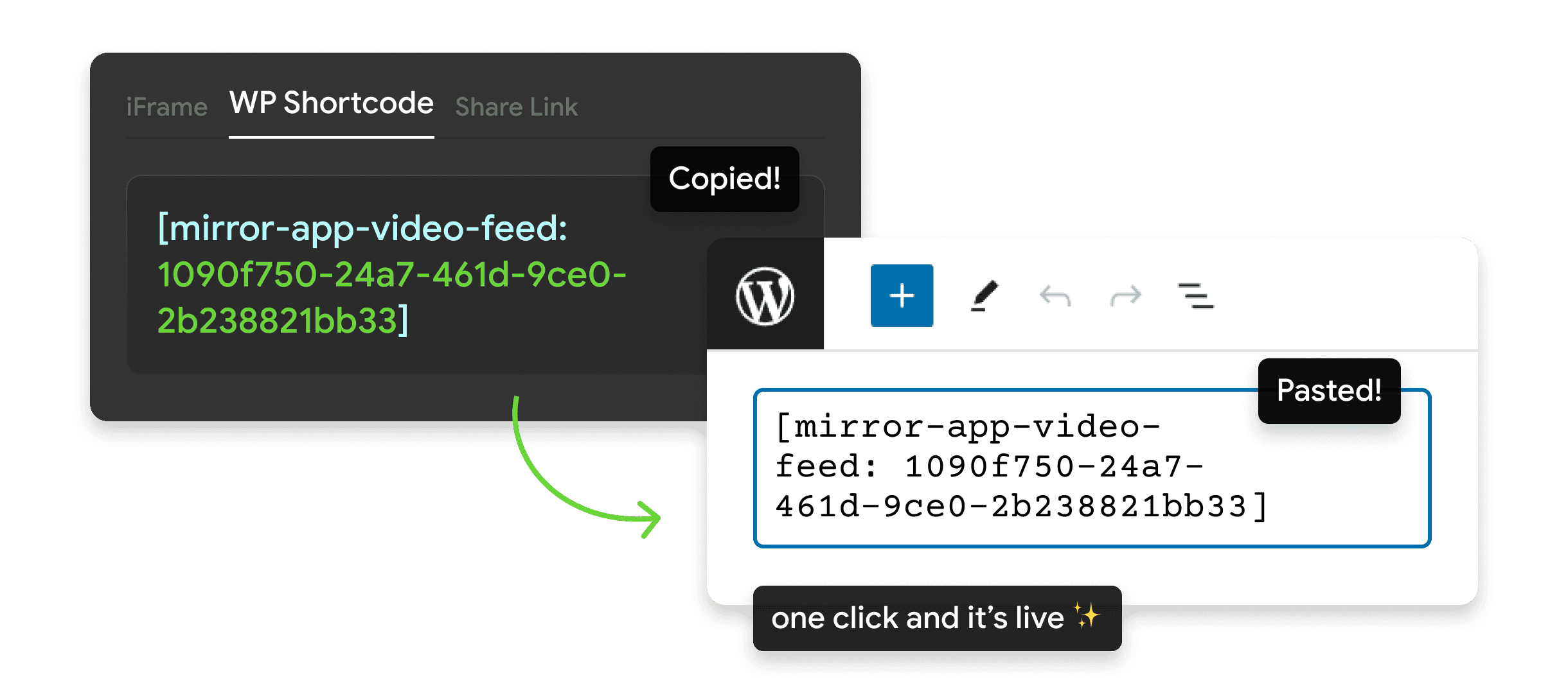
Choose the layout and design → click Publish → copy your YouTube Feed shortcode
Step 3
Add Shortcode to WordPress
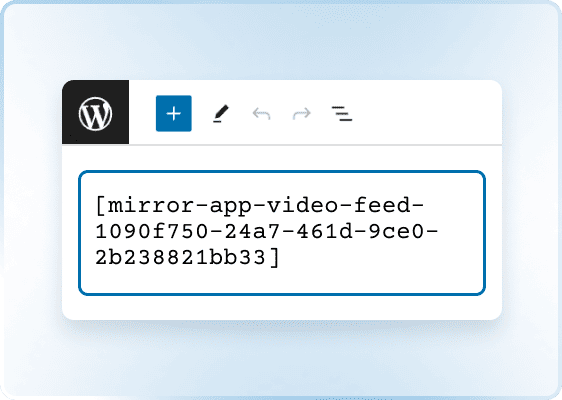
Paste it into Gutenberg, Elementor, Divi, or any area that supports shortcodes
Step 4
Save the Page 🎉
Update or publish the page — your YouTube Feed widget will load automatically
Why Mirror App
Is a Trusted Choice

Official WordPress.org Plugin
Fully reviewed and compliant with WordPress security standards

Lightweight and Secure
A single compact JS file with no tokens stored inside WordPress

Used Worldwide
Trusted by blogs, online stores, and digital agencies for stable and reliable social media feeds

Wall of Love
What Customers Say
Real stories from people building trust and engagement on their sites

I used the app for a few client projects – it performs well. There are no issues with updates, and feeds remain active without the need for reauthorization

reza taghdimi

It was easy to set up and add. The feed looks good, fits our site style, and works fine on mobile.
The only thing — I just wish there were a few more simple design templates, and sometimes new posts don’t show up instantly (it updates on a schedule)
The only thing — I just wish there were a few more simple design templates, and sometimes new posts don’t show up instantly (it updates on a schedule)
.png)
Marco F.

Great for pulling posts from LinkedIn. I needed something that didn’t require tinkering with code — this fits. Pick what you need, adjust a few options, and it works nicely
%201.jpg)
Richard Orland

A good widget for different social networks. I used Instagram Feed Widget, and it worked well. The only downside is that the free plan offers a limited number of views. But that's why it's free, I guess
.png)
Jane
Love how no-code this feels. You literally connect, design, copy, and paste. No chasing API tokens or dealing with Facebook updates

Aramais Makuns
I love how the Pinterest feed integrates with my site — looks like part of the design, keeps itself updated, and saves me loads of maintenance. Really clean
%201.jpg)
alex shtepa
Been following Mirror App for a while — super clean approach to social embeds. I tried the new WordPress plugin and it works great out of the box. No API setup, no heavy scripts, and it actually loads fast. Feels like the team focused on simplicity and performance instead of adding unnecessary stuff
%201.jpg)
Emma Barsegyan
Why WordPress Users
Choose Mirror App


FAQ & Contacts
Still Have Questions or Feedback?
We usually respond within a few hours


Language
Language