Next article

💡 How to Embed and Customize a Facebook Feed on Your Website with Mirror App (Expert 2025 Guide)

How to Embed and Customize a Facebook Feed on Your Website with Mirror App (Expert 2025 Guide)
A Facebook feed embedded directly into your website is more than decoration — it’s a live pulse of your brand. Your posts, photos, updates, and community activity appear in real time, showing visitors that your project isn't static but active, trustworthy, and connected to real people.

Mirror App makes this process effortless. No plugins to maintain, no API errors to juggle, no coding required. Just a clean, modern Facebook feed that adapts to your website’s style — wherever your website lives.


👨‍💻 Why Standard Facebook Plugins Aren’t Enough

Native Facebook widgets and old-school plugins often look outdated and behave unpredictably. The most common problems include:

  • Rigid design: limited customization options make the feed look “pasted,” not integrated
  • Weak responsiveness: many embeds stretch or break on mobile screens
  • Manual maintenance: native Facebook embeds don’t always refresh automatically
  • No cross-platform synergy: impossible to combine Facebook with Instagram or other feeds
As a result, the feed may technically work — but it doesn’t strengthen your brand.

Mirror App solves all of these issues in one clean, auto-updating widget.


🧩 Mirror App: The Simplest Way to Add a Beautiful Facebook Feed

Mirror App gives you full control over how your Facebook content appears on your website.

Choose between modern layouts: Masonry, Grid, Carousel, List, Vertical Feed

These layouts help you adapt the feed to any visual style — from editorial flows to e-commerce galleries.

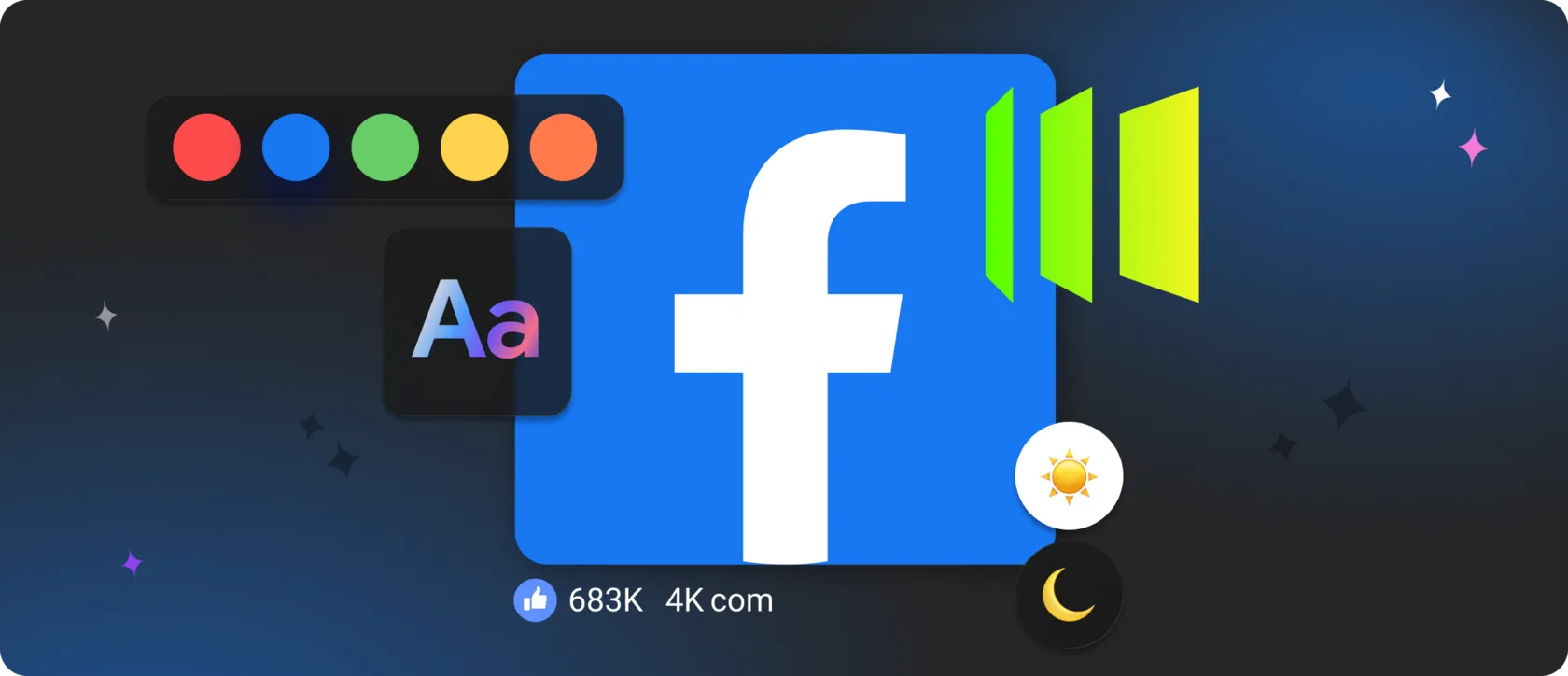
🎨 Customize your feed your way:

✔ Colors and typography aligned with your brand
✔ Spacing, borders, and hover effects
✔ Choice of how many posts to display
✔ Mixed media support (photos, videos, link previews)
Everything is managed visually inside Mirror App. No scripts. No complex configuration.

⚙️ How to Embed a Facebook Feed Using Mirror App

Embedding your feed takes less than a minute:
  1. Open Mirror App and connect your Facebook Page.
  2. Choose your layout and adjust the design.
  3. Copy the line displayed in the Publish window.
  4. Place it on your website anywhere you want the feed to appear.
  5. Publish the page — without writing a single line of code.
That’s it. No iframes to build manually, no JavaScript to troubleshoot.
Your feed goes live instantly — and updates automatically every time you post on Facebook.

🌐 Fully Compatible with Every Website Platform

Mirror App works with any CMS or site builder. Your Facebook feed integrates seamlessly into: HTML, WordPress, Joomla, Weebly, Wix, Squarespace, Blogger, Elementor, WooCommerce, Webflow, Shopify, Tilda — and any platform that supports embedding a snippet.
If your website can handle a pasted line — it can run a Mirror App feed.

⚡️ Why Mirror App Is the Best Facebook Feed Solution for 2025

Creators, brands, agencies, and online stores choose Mirror App because it’s:

► Effortless

No plugins, no API errors, no coding. Just copy–paste and publish.

► Branded

The widget adapts to your design instead of forcing you into Facebook’s defaults.

► Fast & Lightweight

Mirror App uses a modern cloud architecture — your feed loads quickly and cleanly.

► Auto-Updated

Your Facebook content refreshes in real time, without manual replacements.

► Cross-Platform

Combine Facebook + Instagram + TikTok into a single social wall if needed.
This makes Mirror App the most practical and future-proof way to bring your social activity onto your website.
A Facebook feed embedded on your website is a powerful trust builder. Visitors see real interactions, real posts, and real activity — not staged content. When done right, it boosts engagement, strengthens brand credibility, and keeps your website always fresh.
Mirror App turns this into a one-step process:

Create → Customize → Copy → Paste → Publish

No coding. No maintenance. No headaches.
👉 Try Mirror App Today and Transform Your Website Into a Dynamic Social Hub Powered by Your Real Facebook Community
Try It For Free
Share

FAQ

Can I choose which types of Facebook content appear on my website (posts, photos only, videos only)?

The available content filters and display options are shown for your connected Facebook source in the editor. You can curate supported posts and use the options offered there, but do not assume every source provides identical post types, tabs or filtering controls.

Can I create multiple Facebook widgets for different branches, projects, or campaigns?

You can create separate Facebook widgets with their own sources, designs and settings within your plan's widget and source limits. Reusing an existing widget embed on multiple pages is different from creating additional independent widgets. Views are counted across embeds.

What’s the difference between connecting Facebook Business and Personal Profile?

Use the Facebook source options currently offered in the Mirror App editor. A connection requiring Page access must be authorised by an account with the necessary permissions. Do not assume that a personal or private profile is supported simply because a business Page can be connected.

Our Clients Love Us

For what you pay, this widget is a steal. Setup was just a few clicks from my dashboard; it looks clean on my site and matches my design. I also appreciate that they keep releasing new features — makes me feel like it's getting better all the time.

Straightforward setup, no login hassle, and the feed updates fine. Maybe not for advanced users, but great for anyone who wants something that just works out of the box.
Other Articles

Bring your social content to your website.

Create beautiful social media and reviews widgets for your website.

Create your first widget