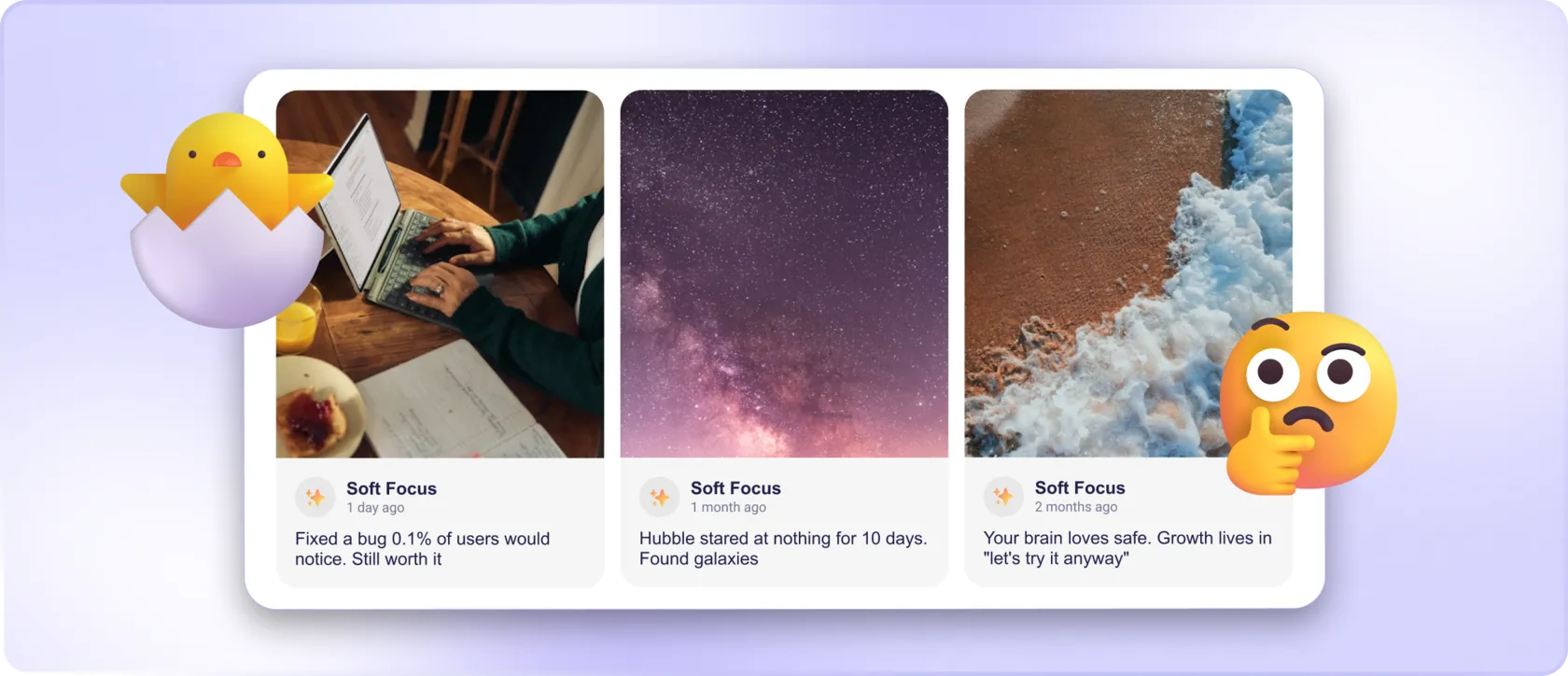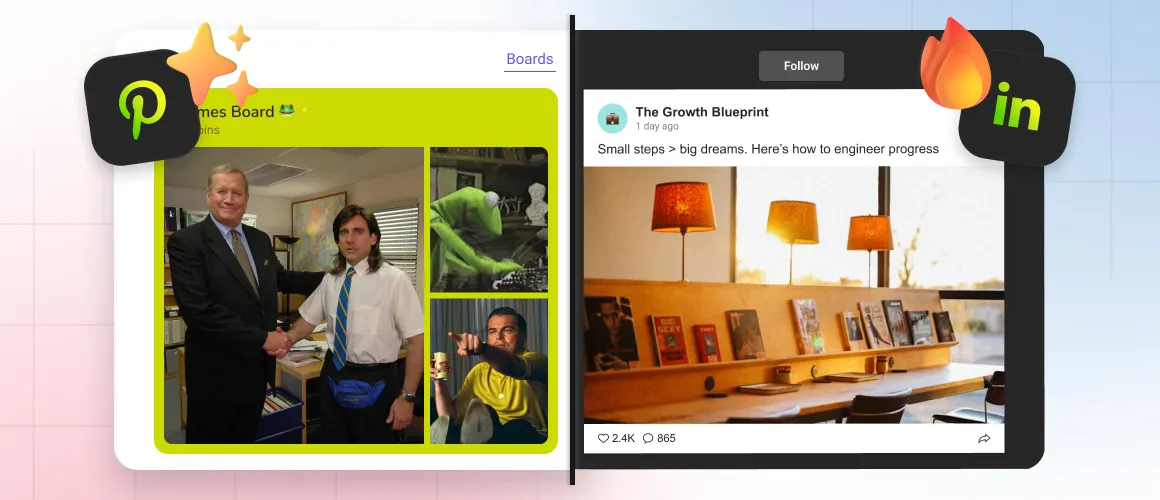
Mirror App elevates this idea even further: instead of a plain, rigid embed, it gives you a fully customizable, responsive Instagram gallery that feels native to your design — and updates automatically. No plugins to fight with, no API puzzles, no developer budget required.
Below is an expert take on why Instagram feeds matter, how to use them strategically, and how Mirror App turns your page into a dynamic visual destination.
💡 Why an Instagram Feed Is a Strategic Asset — Not Just a Pretty Add-On
A well-placed Instagram feed can:
✔ Showcase what’s happening right now
✔ Strengthen brand authenticity
✔ Increase visitor engagement
✔ Support conversions
✔ Improve overall user experience
🧩 How Mirror App Reinvents Instagram Integration
💻 Modern Layouts Built for Real Websites
- Grid — clean, balanced, perfect for product or portfolio showcases
- Masonry — dynamic magazine-style flow for visual storytelling
- Collage — highlights hero posts with bold composition
- Slider — a compact horizontal strip with arrows
- Carousel — smooth, swipe-friendly multi-item scrolling
- Showcase — large, premium, high-impact visuals
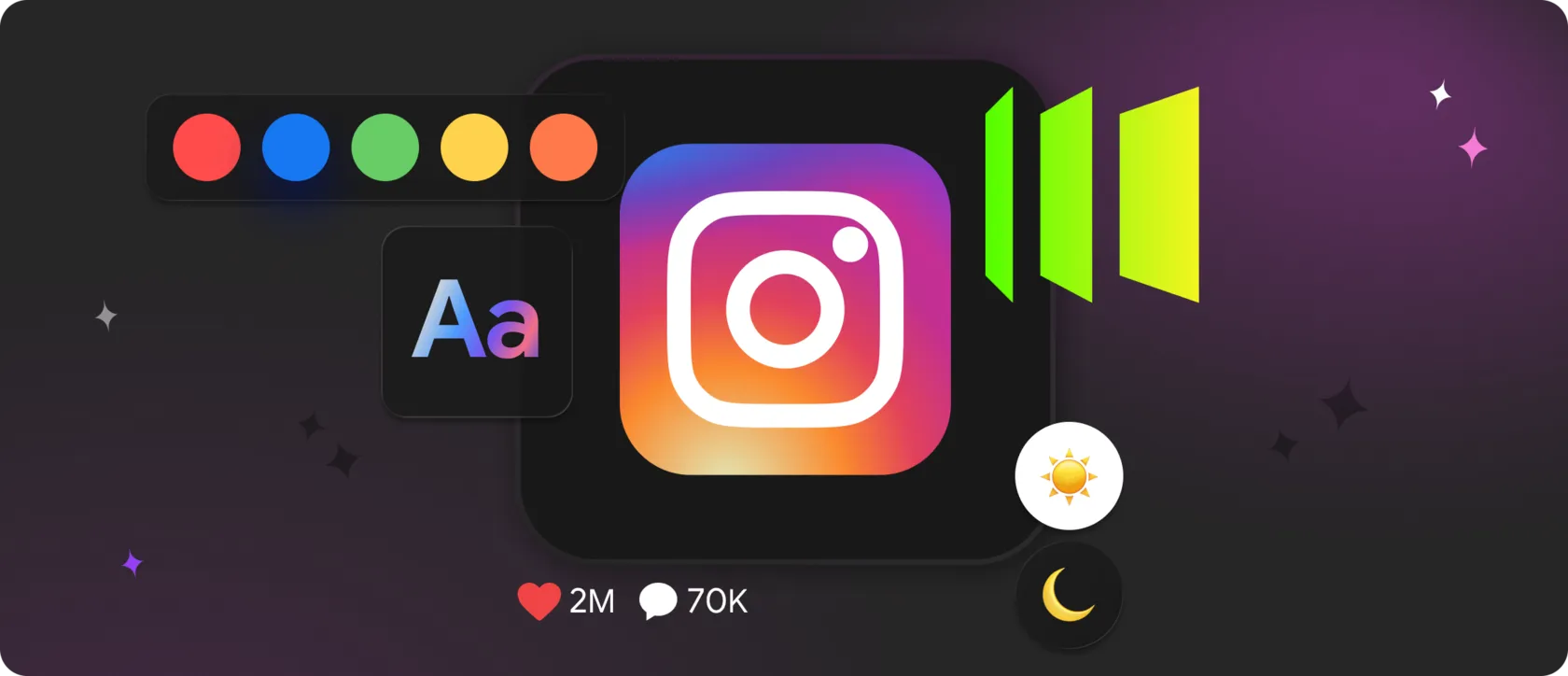
🎨 Styling Without Coding
✔ Spacing and padding
✔ Borders and corner radius
✔ Hover effects
✔ Typography elements
✔ Number of posts
✔ Media cropping and proportions
Every feed adjusts itself to the container, making it fully responsive across desktop, tablet, and mobile.
🔄 Automatic Updates — Zero Maintenance
No refreshing. No plugin updates. No broken tokens.
⚙️ Practical Use Cases — How Different Brands Use Instagram Feeds
🛍 E-Commerce Stores
Turn UGC into social proof that boosts conversion.
☕️ Restaurants & Cafés
✨ Creators & Personal Brands
💼 Agencies & Service Businesses
🏆 Event Pages
⚙️ How to Embed a Custom Instagram Feed with Mirror App
1. Create your Instagram widget inside Mirror App
2. Go to Publish
3. Copy the embed line
4. Paste it into your website
✨ Homepage hero section
✨ “About Us” page
✨ Product pages or blog posts
✨ Website footer
✨ Landing pages
5. Save — and your feed is live
💎 Why Mirror App Is the Smartest Instagram Feed Solution Today
1. Reliability
2. Design quality
3. Multi-platform flexibility
🌟 Final Takeaway
Mirror App connects the two seamlessly — turning everyday posts into a constantly updating visual story that engages visitors, builds trust, and supports conversions.


FAQ
Our Clients Love Us

Plenty of visual customization — colors, spacing, fonts. I matched the widget perfectly to my portfolio site without writing CSS. It took me a few minutes to figure out where the shortcode goes in Elementor, but the help guide made it clear. Worth it for small businesses or freelancers who want control over design without extra plugins.
A good widget for different social networks. I used Instagram Feed Widget, and it worked well. The only downside is that the free plan offers a limited number of views. But that's why it's free, I guess.