A business earns new Google reviews, adds a reviews section to its website and then sees more enquiries. It is tempting to describe the whole change as an SEO win. In reality, several different systems and customer decisions are involved.
Google reviews can contribute to local search visibility, while showing reviews on your own website can help visitors evaluate the business. Those are related benefits, but a reviews widget does not automatically change your Google ranking or create star ratings in organic results.
Separate local search from your website's ranking
Google's local results help people find businesses relevant to a place or service. Its guidance on improving local ranking describes relevance, distance and prominence, and explains that more reviews and positive ratings can help local ranking.
That does not provide a formula for moving above another business. Distance, the searcher's query and other information still matter. A review count cannot compensate for a profile that describes the wrong business or gives customers inaccurate information.
Treat reviews as part of maintaining a useful Business Profile and a real customer feedback process. Do not ask customers to insert artificial keywords or promise that a particular number of reviews will produce a particular position.
Understand what displaying reviews on a website does
A website review section makes feedback available where someone is considering a service. It may answer questions about reliability or the experience of working with your team. That is a reason to use it even when no ranking change can be demonstrated.
It does not follow that copying the same reviews onto several pages creates a new search advantage. Google evaluates pages through broader systems, and useful business information still needs to stand on its own.
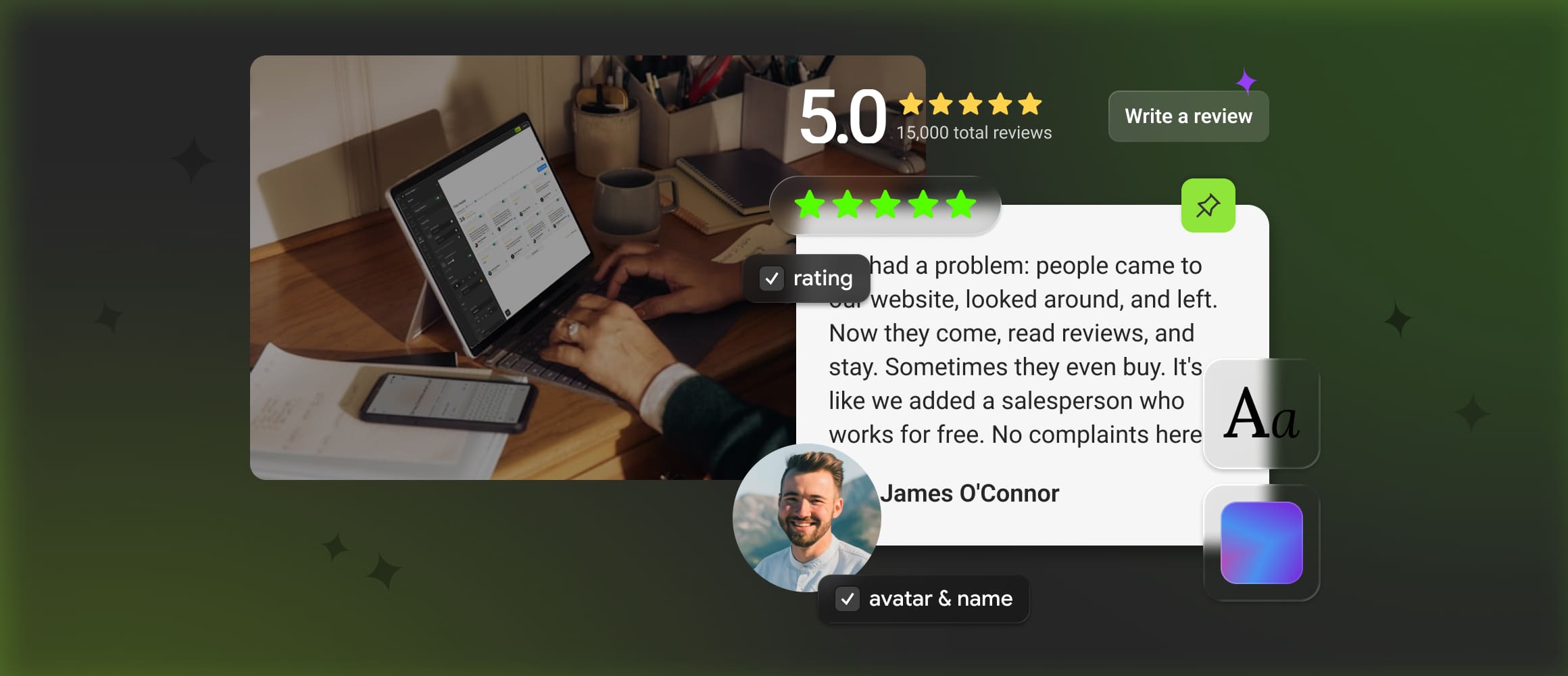
Mirror App's Reviews Widget can display connected Google and Facebook feedback on your site. Use it to present relevant customer evidence with a clear source. It is not a local rank management tool, and its presence should not be described as a guarantee of higher positions.
Do not promise stars in organic search
Review snippets are a separate search feature governed by structured data rules and eligibility. Google's review snippet documentation explains the requirements and restrictions, including those affecting self-serving reviews about an organisation or local business.
Google's announcement about self-serving review rich results also explicitly addresses reviews placed through third-party widgets. Using an external display tool does not turn a business's review section into independent coverage for this purpose.
Avoid treating product reviews, local business reviews and Google's review snippets as interchangeable. The relevant rules depend on what is being reviewed and how the information is presented.
Measure each outcome separately
Keep the reporting language specific to the observation.[1]
Local visibility: what changed in how people found the Business Profile?
Website search traffic: did visits from unpaid search change, and which pages received them?
Customer action: did visitors make relevant enquiries, calls or bookings?
These observations can move independently. If several parts of the business changed in the same month, record that context rather than reporting one review section as the cause of every improvement.
On the website, check whether the reviews are readable and relevant to the page. A visitor who understands the service and sees an applicable customer experience has useful information, whether or not a ranking report changes that month.
Read an apparent SEO improvement carefully
Consider a fictional local business that updates its opening hours, earns several new reviews, improves a service page and adds a website review section during the same month. The next month's enquiries rise. That is encouraging, but it does not reveal which change caused the increase.
Start by separating the observations. Did more people find the Business Profile? Did the website receive more visits from unpaid search? Did a larger share of visitors submit an enquiry? Did the business change its advertising, prices or booking availability? These questions describe different parts of the customer's journey, and each can move for a different reason.
A simple note of when changes were made helps later interpretation. Record the review section's publication date alongside significant page edits, campaigns and operational changes. Compare periods with enough context to recognise unusual events, such as a holiday or a temporary closure. A comparison with last month alone may not capture the business's normal seasonal pattern.
Use cautious language in the report. “Website enquiries increased after these changes” describes a sequence. “The reviews widget improved our Google ranking” claims a specific cause and a specific search outcome. The second statement needs evidence that the first statement does not provide.
If you test a review section, decide what question the test is meant to answer before looking at the results. You might want to know whether visitors can find relevant customer feedback or whether an enquiry page becomes easier to evaluate. Keep the service, source and presentation consistent enough to interpret the comparison. A small or uneven sample may leave the answer uncertain, and it is better to retain that uncertainty than turn a handful of extra enquiries into a permanent performance claim.
Keep three kinds of stars separate
The stars visible on a Business Profile, the stars displayed inside a website review section and a review rich result in Google Search belong to different contexts. They may look similar to a visitor while following different rules and conveying different information.
A Business Profile rating summarises feedback on that profile. A website section may display connected reviews or an editorial selection, depending on the source and configuration. A review rich result is a search presentation that depends on Google's eligibility and structured data requirements. The appearance of one does not establish that another will appear.
This distinction matters when discussing the work with an agency or a website supplier. Ask them to identify the exact result they mean when they say “add review stars.” Is the proposal about showing feedback to visitors, changing eligible structured data, or maintaining the Business Profile? A clear description prevents a useful display feature from being sold as an unsupported search promise.
For a local business's own reviews, the self-serving review restrictions in Google's documentation remain relevant even when an external widget displays the feedback. The tool's independence from the business does not by itself make the business's own page independent review coverage.
Use customer language to improve the information on the page
Reviews can also reveal questions your service description has failed to answer. Customers may repeatedly explain that they were unsure about the appointment process, the area covered or what happens after an enquiry. Those observations can guide clearer business information without requiring you to copy every review into the main page text.
Suppose customers often praise how the team explained an estimate. Check whether the website itself explains how estimates work. If it does not, add an accurate account of the process and then choose relevant feedback to support the visitor's understanding. The review provides a customer's perspective; the business remains responsible for describing its current service.
Do not turn customer wording into a script for future reviews. Asking people to insert locations or search phrases creates a different kind of request from inviting an honest account of their experience. Let customers describe what mattered to them, and use that information to notice gaps in your own content.
The resulting website can be more helpful even when you cannot demonstrate a ranking effect. A visitor who understands the offer, sees relevant feedback and knows how to take the next step has a clearer basis for deciding whether to contact the business.
Note 1: In this article, local visibility refers to local search and Business Profile discovery. Website search traffic and enquiries are separate observations; an increase in one does not establish an increase in another.