#️⃣ Hashtag Feed vs Account Feed: What Works for Brands

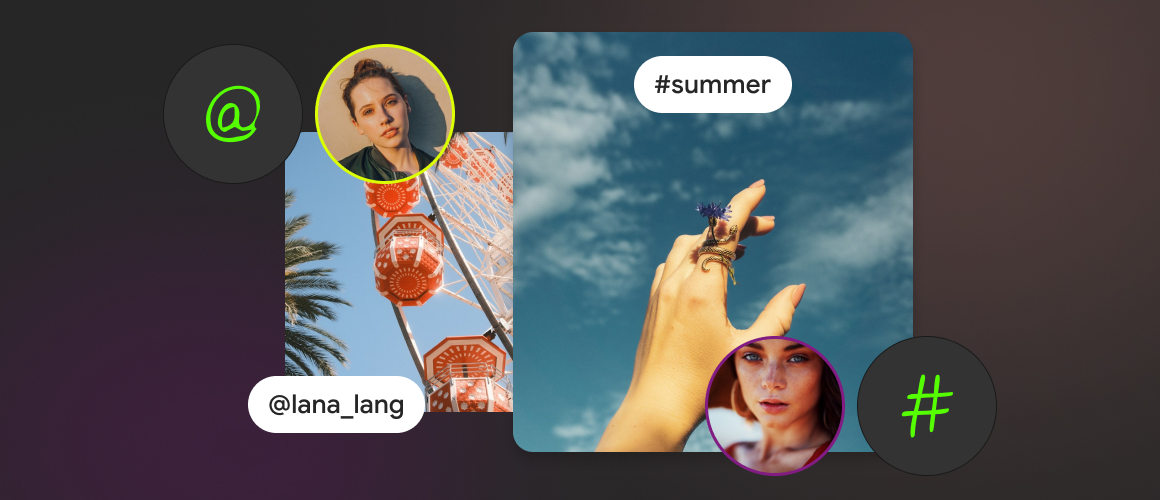
If you’re adding an Instagram feed to your website, you’ll usually choose between two formats:
• an account feed (your brand’s posts), or
• a hashtag feed (posts grouped around a hashtag).
Both can work extremely well. The difference isn’t “which is better” – it’s what kind of trust you’re trying to build and what kind of content you want visitors to see.
Instagram itself frames hashtags as a way to categorize and discover content around a topic – once a post is tagged, anyone can browse that hashtag page and see posts using it.
That single detail explains why hashtag feeds and account feeds feel so different on a website: one is brand-owned, the other is community-shaped.
❔ Why Brands Embed Feeds in the First Place
On a website, social content isn’t there to “look active.” It’s there to reduce uncertainty.
Social proof works because people use other people’s behavior and experiences as a shortcut for trust and decision-making.
Your choice of feed type should be driven by the kind of proof you need on that page.
⚡️ Account Feed: What It's Best For
An account feed is your most controlled social proof layer. It’s ideal when you want visitors to absorb a clear brand narrative with minimal risk of randomness.
🏆 Best Use Cases for an Account Feed
✔ Brand Consistency and Design-First Sites
If your website has a tight visual language (premium consumer, B2B, regulated categories), your own account feed is the safest way to keep the site on-brand.
✔ “We're Active” Credibility
For homepage sections, About pages, and Careers pages, showing a steady stream of your own updates often does the job: it signals consistency, momentum, and legitimacy without needing third-party validation.
✔ Product Education via Brand Content
If your posts are already “website-ready” (product demos, customer stories you publish, feature highlights), an account feed becomes a structured extension of your marketing pages.
#️⃣ Hashtag Feed: What It's Best For
A hashtag feed is a community lens. When it’s used well, it can feel more authentic because it doesn’t look like a brand talking about itself.
🏆 Best Use Cases for a Hashtag Feed
✔ UGC-Driven Trust
If customers, partners, or attendees post with a branded hashtag, a hashtag feed can function like a living gallery of “real people, real context” – which is often the fastest kind of proof to build confidence.
✔ Campaign Pages and Launches
Hashtag campaigns are a common way to unify participation, aggregate posts, and encourage audiences to contribute – especially when the hashtag is easy to remember and consistently promoted.
✔ Community and Events
For conferences, challenges, or creator programs, a hashtag feed can show momentum in a way an account feed can’t – because it displays a broader set of voices.
🙅 What Most Brands Get Wrong: Picking by Aesthetics, Not by Intent
A better decision rule:
► Choose an Account Feed When the Page Needs
clarity, consistency, and a controlled narrative.
► Choose a Hashtag Feed When the Page Needs
participation, credibility-through-many, and community proof.
If you’re not sure, ask one blunt question:
“Do we want visitors to trust us because we’re consistent, or because others are showing proof?”
💪 The Strongest Approach for Most Brands: Use Both, but on Different Pages
Most high-performing sites don’t force one feed type everywhere. They assign feed type by page role:
► Account Feed Placements
- Homepage (brand presence)
- About (brand story)
- Careers (culture, standards, behind-the-scenes)
► Hashtag Feed Placements
- Product pages (real-world use)
- Category/collection pages (UGC browsing)
- Campaign landing pages (participation proof)
This gives you a clean brand layer and a credibility layer – without mixing them into one confusing block.
✅ How to Use It
The practical problem isn’t choosing a feed type – it’s maintaining a site that looks consistent and current without manual work.
Mirror App supports embedding Instagram content from both public accounts and hashtags, so you can use an account feed where you need brand control and a hashtag feed where you want community proof.
And because Mirror App also supports multiple platform-specific widgets (not just Instagram), brands can match the “proof type” to the channel and page intent – e.g., LinkedIn for B2B credibility, YouTube for deeper demos, TikTok for short-form UGC-style proof.
📝 A Simple Checklist to Choose Correctly
✔ Pick an Account Feed If You Need
- strict brand consistency
- predictable storytelling
- “we’re active” credibility
✔ Pick a Hashtag Feed If You Need
- customer/creator participation proof
- campaign aggregation
- a more community-shaped gallery
If you can’t describe the job of the feed in one sentence, don’t embed it yet – decide the job first.
Did You Like This Article?


FAQ
Our Clients Love Us


Plenty of visual customization — colors, spacing, fonts. I matched the widget perfectly to my portfolio site without writing CSS

For what you pay, this widget is a steal. Setup was just a few clicks from my dashboard; it looks clean on my site and matches my design. I also appreciate that they keep releasing new features — makes me feel like it's getting better all the time