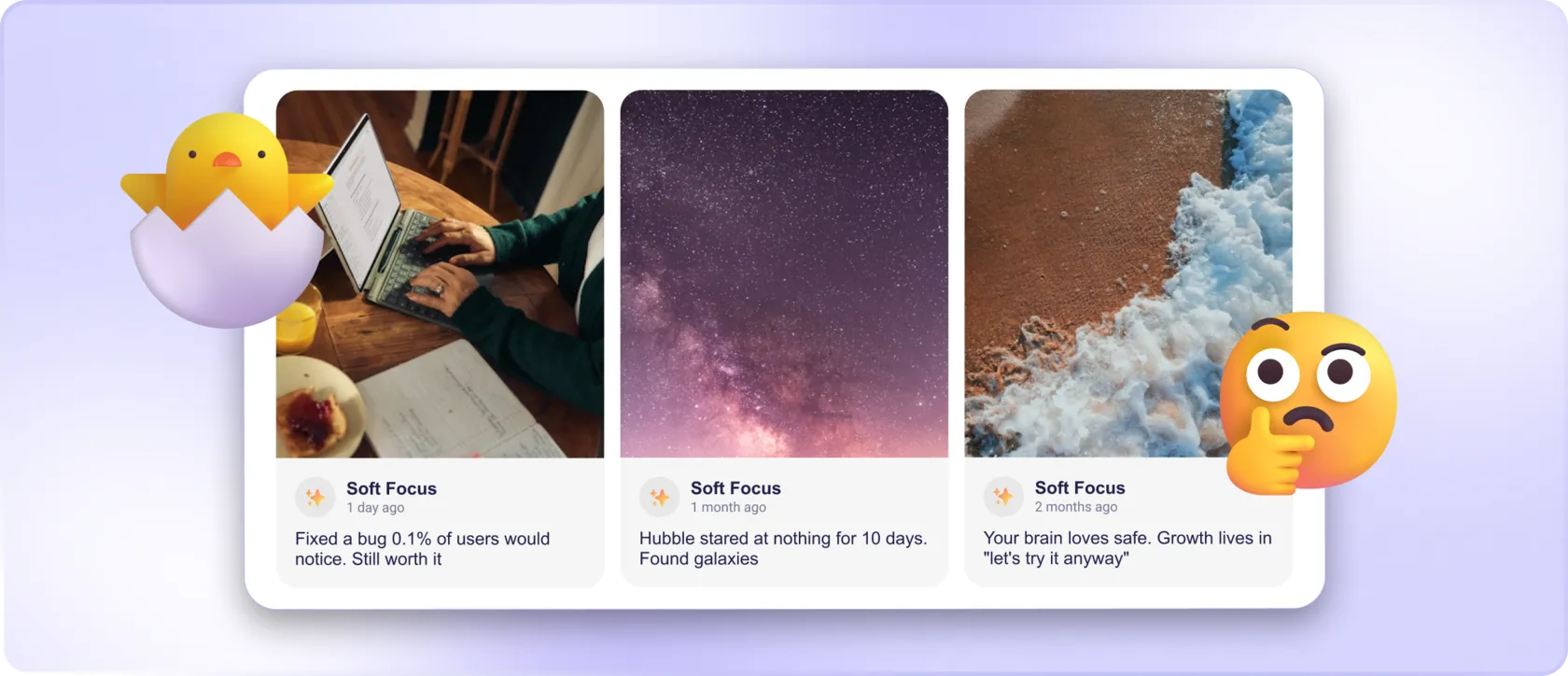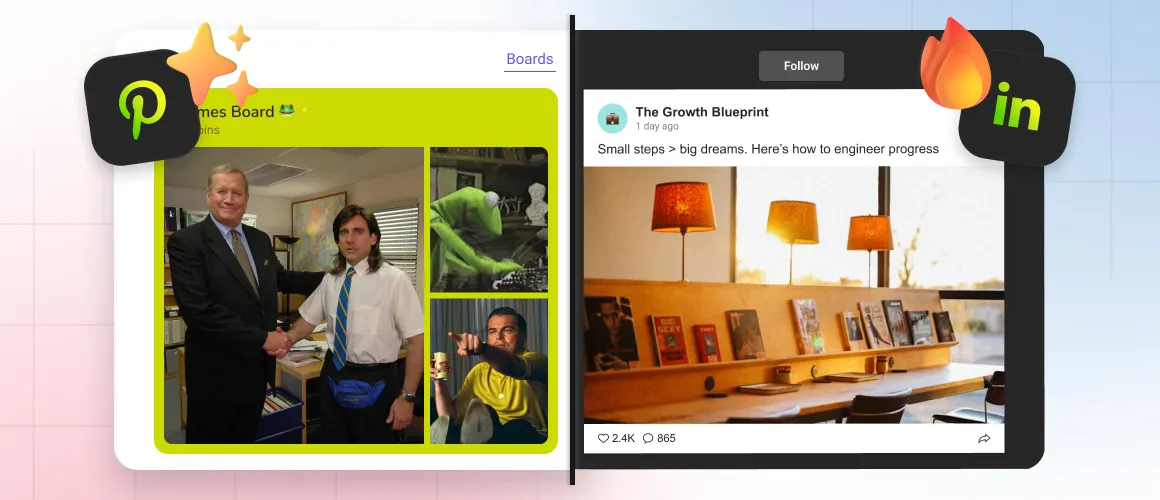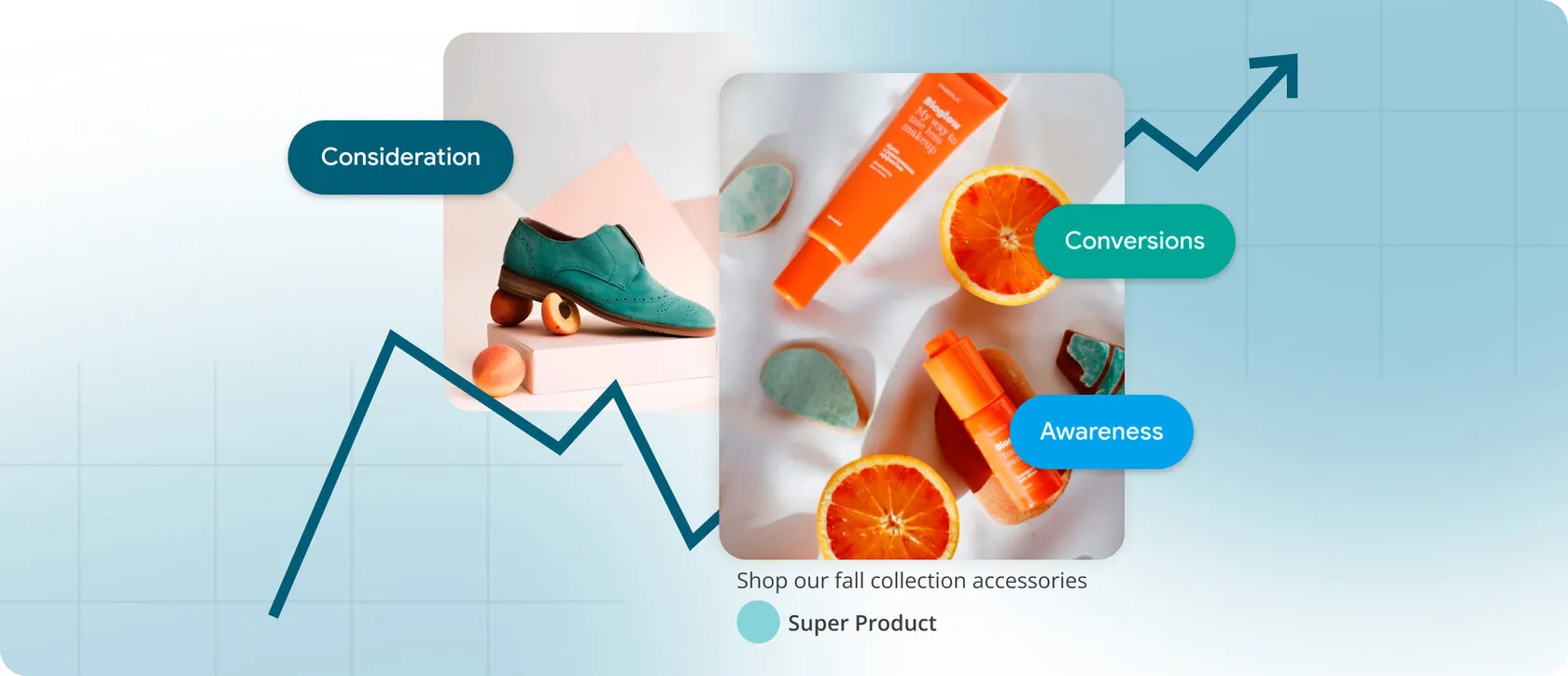
Embedding a social media feed on your website is often treated like an engagement hack: “Add Instagram/TikTok/LinkedIn, and visitors will stay longer.” In reality, an embedded feed is just a content block and most content blocks don’t earn attention by default.
If you want engagement that matters (clicks on CTAs, add-to-cart, sign-ups, demos booked), you have to design social feeds as a decision-support module: the right content, in the right place, with the right next step, at the right performance cost.
⏳ Engagement Isn't “Time Spent” – It's Progress
A feed can increase “activity” (scrolling, hovering, passive watching) while decreasing conversions. Engagement that matters is measurable progress toward a goal:
- More CTA clicks (Start free, Book a demo, View pricing)
- Higher conversion rate (signup/purchase)
- Higher micro-conversions (product image interactions, plan comparisons, checkout steps)
A social feed helps only when it reduces uncertainty and strengthens trust at a decision point. That’s not theory, research consistently shows trust is heavily driven by peer signals and recommendations: Nielsen reports 88% of people trust recommendations from people they know more than other channels.
⚡️ Why Embedding Feeds Doesn't Automatically Create Engagement
1. The Feed Has No “Job” on the Page
Visitors don’t arrive to browse your Instagram. They arrive to evaluate: Is this credible? Is this relevant to me? Is the price justified? If the feed doesn’t answer those questions, it becomes decorative.
A simple test: if you can’t describe the feed’s purpose in one sentence (“This proves customers use the product daily”), the feed will not lift engagement in a predictable way.
2. Placement Is Usually Wrong (Because It's “Where It Fits”)
3. Your Feed Is Optimized for Publishing… Not for Intent
4. Performance Tax Quietly Kills Curiosity
5. There's No Bridge to the Next Action
The Fix: Treat the Feed Like a Conversion Module, Not Decoration
👣 Step 1: Define the Feed's Purpose (by Page Type)
- Homepage: credibility + relevance fast (prove you’re active and real)
- Product page: “visual validation” (show real usage, reduce uncertainty)
- Pricing page: reduce price anxiety (proof close to commitment)
- Careers page: culture signal (but curated, not chaotic)
👣 Step 2: Curate for Intent, Not Volume
👣 Step 3: Design for Scanning (Web Behavior), Not Browsing (Social Behavior)
- Consistent card sizes and predictable rhythm
- Fewer items above the fold (quality beats quantity)
- Avoid “surprise motion” that competes with your CTA
- Prevent layout shifts during load (stability is a UX feature)
👣 Step 4: Add a Conversion Bridge (One Obvious Next Step)
- “See customer setups” → gallery / use cases
- “Explore templates” → templates page
- “Start free” → signup
- “Talk to sales” → demo
✨ Where Mirror App Fits
How to Measure Whether Your Embedded Feed Drives Engagement
► Choose Metrics That Reflect Outcomes
- CTA click-through rate (near the feed block)
- Conversion rate on the page
- Micro-conversions (plan comparison clicks, product gallery interactions)
► Validate with Simple Experiments
- Feed vs no feed
- Curated vs uncurated feed
- Feed near decision point vs feed at bottom


FAQ
Our Clients Love Us

Plenty of visual customization — colors, spacing, fonts. I matched the widget perfectly to my portfolio site without writing CSS.
For what you pay, this widget is a steal. Setup was just a few clicks from my dashboard; it looks clean on my site and matches my design. I also appreciate that they keep releasing new features — makes me feel like it's getting better all the time.