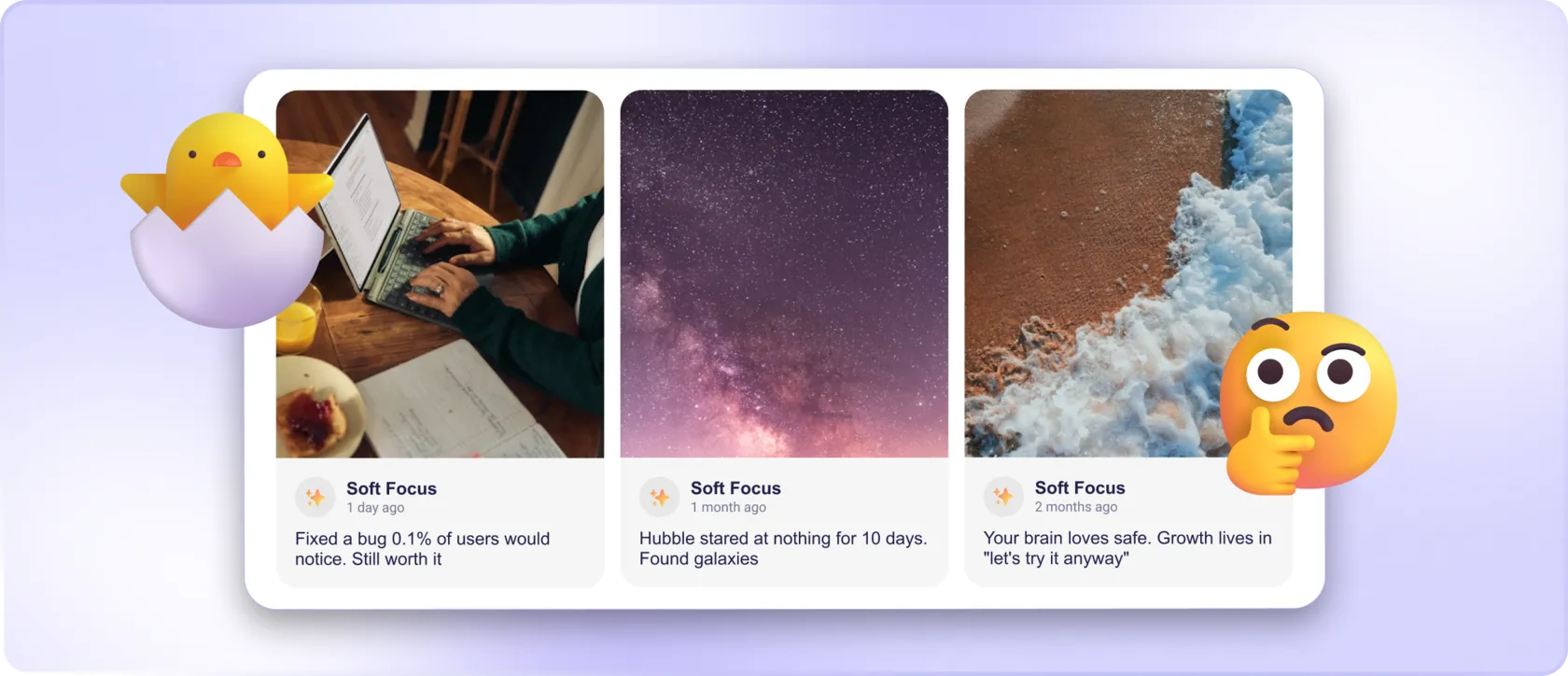

A testimonial carousel solves an obvious space problem: several customer quotes can occupy one compact area. It also creates a reading problem when the useful quote is hidden, the text moves too soon or the controls are difficult to use.
Choosing a testimonial carousel means deciding what visitors will see immediately and what effort they must make to discover the rest. The right format depends on the content and the page, rather than the number of cards a design can hold.
Make the first visible review stand on its own
Assume some visitors will read only the initial content. Choose a review that is relevant to the surrounding page and understandable without another card. Do not split one important explanation across several rotating slides.
Nielsen Norman Group's research on auto-forwarding carousels describes how movement and hidden content can reduce visibility and interfere with users' tasks. The lesson is to avoid relying on rotation as the only route to information that matters.
If several customer experiences are equally important to the decision, a static list or grid may deserve the space. Compactness is a practical benefit only when it does not make the evidence harder to find.
Let people control their reading
Longer quotes require time, and readers do not all move at the same speed. Automatic changes can interrupt someone midway through a sentence. A pause option and usable manual controls help, but the content still needs a sensible pace and readable layout.
The W3C carousel tutorial outlines accessibility considerations for this format, including control and navigation. Use it to evaluate the chosen component instead of assuming that a familiar visual pattern is automatically accessible.
Check the experience without a mouse. A visitor should be able to identify and operate the controls, understand which item is active and retain their place. Visible arrows alone do not establish that these interactions work for everyone.
Give the text enough room on a phone
Check the carousel with real content, rather than a short placeholder:
- Open the page at a narrow phone width and read the first quote from start to finish.
- Try the controls without a mouse. Check that moving between reviews is understandable and that focus remains visible.
- If cards move automatically, check whether you can pause them and finish reading.
- Follow any “read more” route and confirm that the full text preserves the same source and meaning.
A useful failure to notice: if the qualification appears only on the next slide, the first slide may give a misleading impression even when both slides are technically available.
The W3C guidance on carousel functionality explains controls, pause behaviour and related interaction requirements. Treat that as a basis for checking the finished page, rather than a reason to assume every carousel behaves identically.
Keep attribution close to the relevant quote. A reader should not need to guess whether the name below the moving area belongs to the current review or the previous one.
Choose the format after reviewing the content
Compare the same selection in a compact carousel and a more open layout. Look at what is visible without interaction, how long quotes behave and whether the page still has a clear next step. Ask someone unfamiliar with the design to find a particular piece of feedback.
When using Mirror App's Reviews Widget, choose an available layout around the real review text and check the published result. The presence of a carousel option does not mean it is the best choice for every section. A readable selection that people can control is more useful than an impressive number of hidden slides.