
A testimonial page can contain excellent feedback and still be difficult to use. Visitors arrive with different needs, while the page presents every quote in the order the marketing team collected it. Finding a relevant experience becomes the reader's job.
The most useful testimonial page examples organise customer evidence around a decision. They make it easy to understand who the customers are, what they used and where to read more, without requiring visitors to open every story.
Decide whether the page is a collection or a library
A collection suits a small set of stories. If you have six approved testimonials covering one main service, let readers see them without learning a category system first. Give each quote enough context to make sense, then provide a route to a longer story where one exists.
A library suits different audiences and questions. A business serving retailers, agencies and in-house teams may need useful ways to narrow the selection. Categories should help readers find a comparable situation; a filter with only one story behind each option creates more work than it saves.
For example, “Launching with a small team” may be a better label than “Success story 07.” The reader can recognise the situation before opening the page.
Basecamp's customer page offers an example of a substantial collection of customer comments. The useful lesson is the breadth of experiences available to read, rather than an instruction to copy its length or visual style.
Before designing filters, list the questions a visitor would use to narrow the collection. Industry can help, but so can team size, service type, location or the problem solved. A category is useful only when there is enough relevant material behind it.
Make the preview tell readers what they will find
A customer's logo identifies an organisation, but says little about the experience. Add a concise title or description that explains the situation. “How a distributed support team coordinates handovers” is more informative than “A fantastic partnership,” provided the linked story actually covers that subject.
Webflow's customer stories demonstrate a library model in which visitors can move from a customer overview to a fuller account. Study how each entry sets expectations, then apply the principle to your own evidence. Do not copy another company's result or imply that its customers endorse your business.
For a service company, the equivalent might be a brief quote paired with the project type. A reader comparing two renovation firms should be able to identify feedback about occupied homes without opening stories about unrelated commercial work.
Keep detailed stories within reach
A short quote and a full customer story serve different purposes. The quote provides a quick view of the experience; the longer story can explain starting conditions, choices and limitations. When both are available, connect them with a descriptive link.
Notion's customer library is another example of organising customer narratives as a navigable resource. It is useful to examine the relationship between the collection and the individual stories, rather than treating every visual element as a conversion formula.
Keep source and attribution visible at both levels. If a quote has been shortened, use an approved excerpt that still reflects the customer's meaning. Separate a customer's personal opinion from a measured result reported elsewhere in the story.
Give the page a useful next step
After finding a relevant experience, readers may want to explore a service, compare options or ask a question. Offer a next step that matches that context. Repeating the same sales button after every sentence can make the customer evidence harder to read.
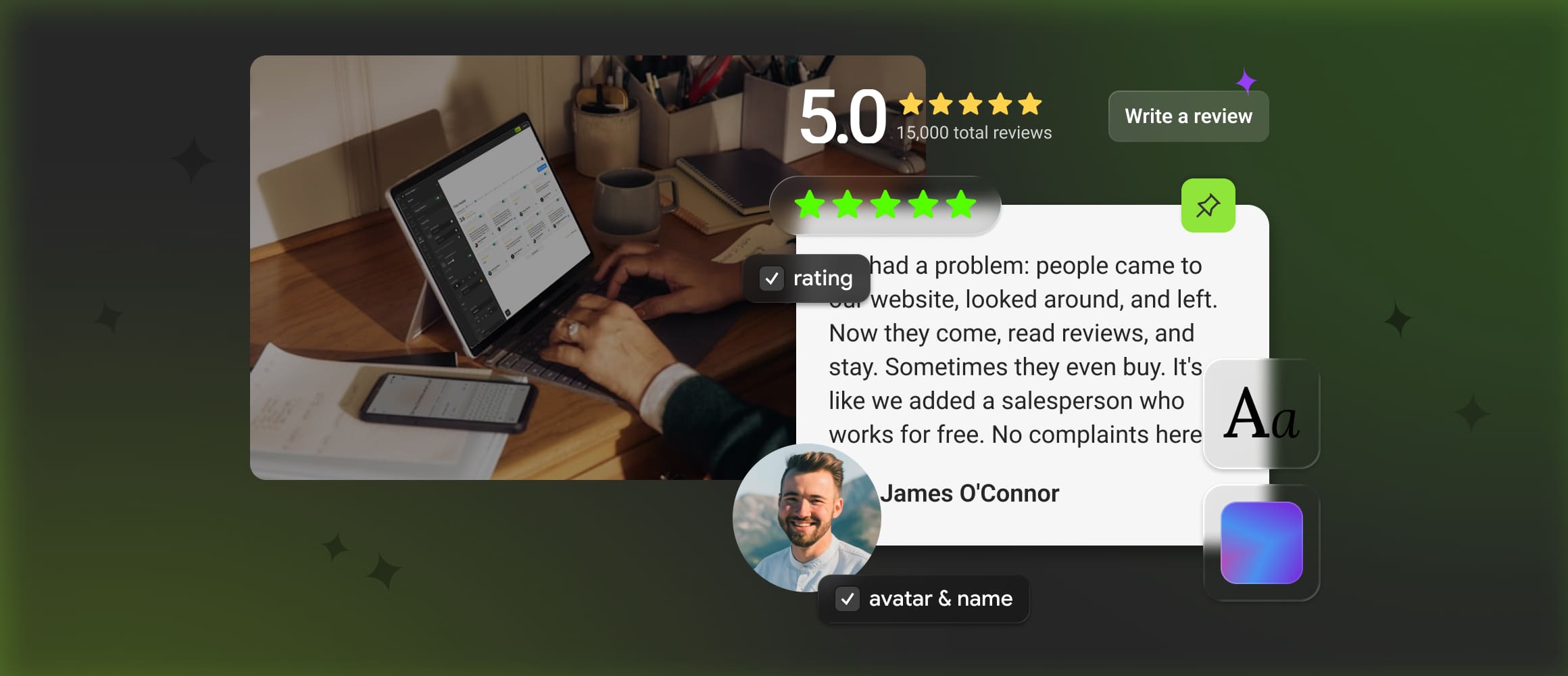
Mirror App's Reviews Widget can provide a reviews or testimonials section within a broader customer page. The surrounding page still needs a clear introduction, sensible grouping and links to any detailed stories. A widget supplies a way to present content; the editorial organisation is what makes the collection useful.