Making the feed fit the page
We always thought that the client would set the height and width of the widget in their admin panel.
But after looking at more than a hundred websites, it became clear that the reality was different. Many inserted the feed ‘as is’, and the default code had a fixed height of 500 px.
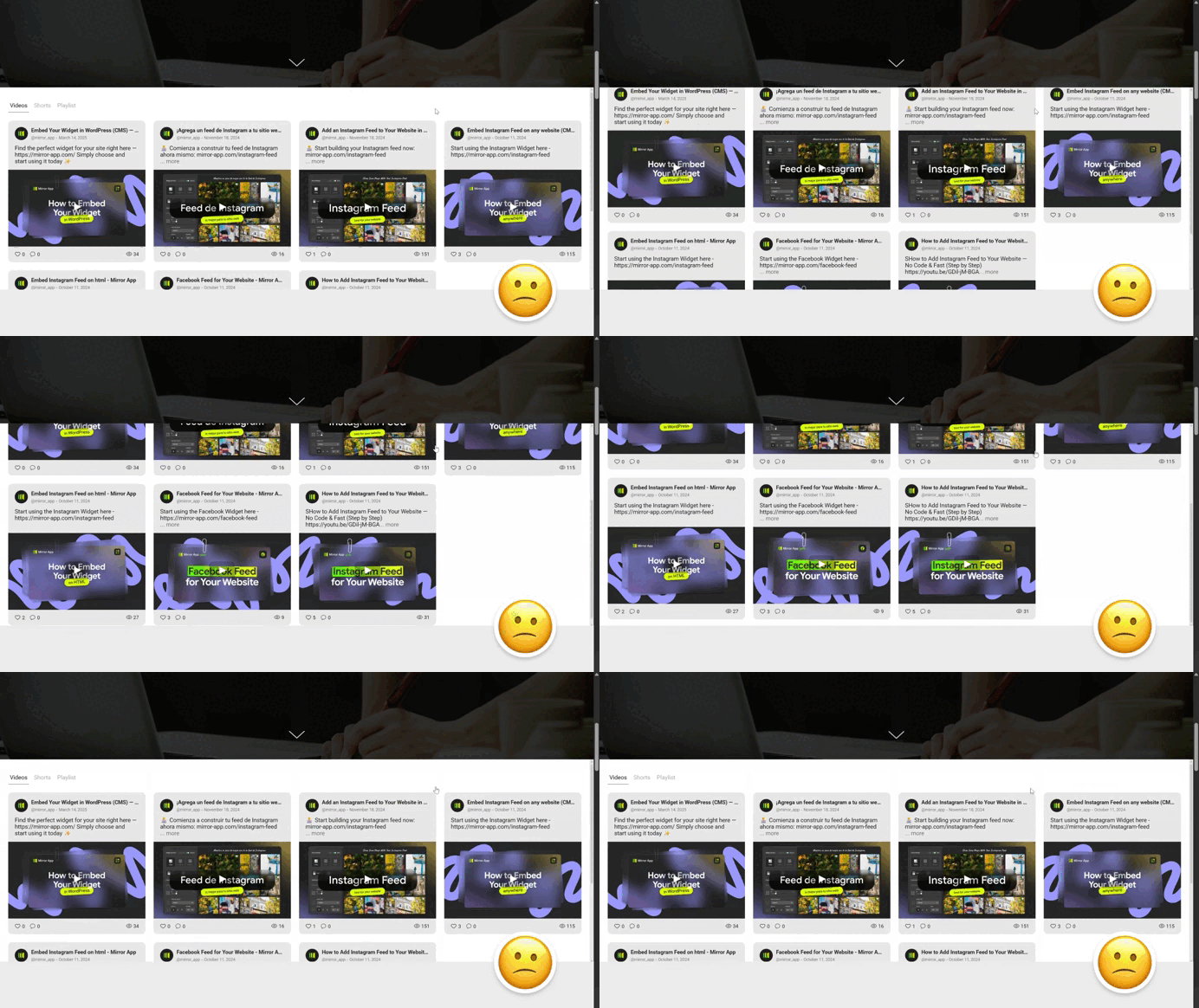
😬 As a result, the widget looked out of place — like a ‘box with a scroll bar’. It wasn't part of the website, but a separate module
And you know what? We felt awkward 😓
We couldn't leave things as they were. So we started to figure out how different CMSs behave, how they work with containers and height. And it turned out that almost all of them can support auto-height. You just need to not interfere with them.
We rewrote the logic, and now feeds — whether Instagram, TikTok, YouTube or Pinterest — adjust themselves 🔄
No crutches, no internal scrolling
Not ‘inserted,’ but integrated ✅
The result was what we wanted from the very beginning: the widget became part of the site. Not a foreign block, but an extension of the brand.
✨ And inside, we feel like we've shaken a pebble out of our shoe: we were walking fine, but when we removed it, our stride became completely different 😌