In 2025, a static website is no longer enough. Users expect motion, authenticity, and proof of activity. Adding your TikTok feed is one of the simplest ways to deliver exactly that.
Let’s explore how to integrate TikTok the right way — clean, automated, and without touching code.
🫂 Why TikTok Belongs on Your Website
TikTok is more than a video platform — it’s a real-time cultural pulse. When you bring your TikTok feed to your website, you instantly:
► Add dynamic movement
► Build social proof
► Encourage deeper engagement
► Reduce friction
🤔 The Smart Way to Embed a TikTok Feed in 2025
✔ No maintenance
✔ No broken embeds
✔ No code
This approach works for creators, agencies, eCommerce shops, restaurants, personal brands, SaaS companies — essentially anyone who wants fresh visual content on their site.
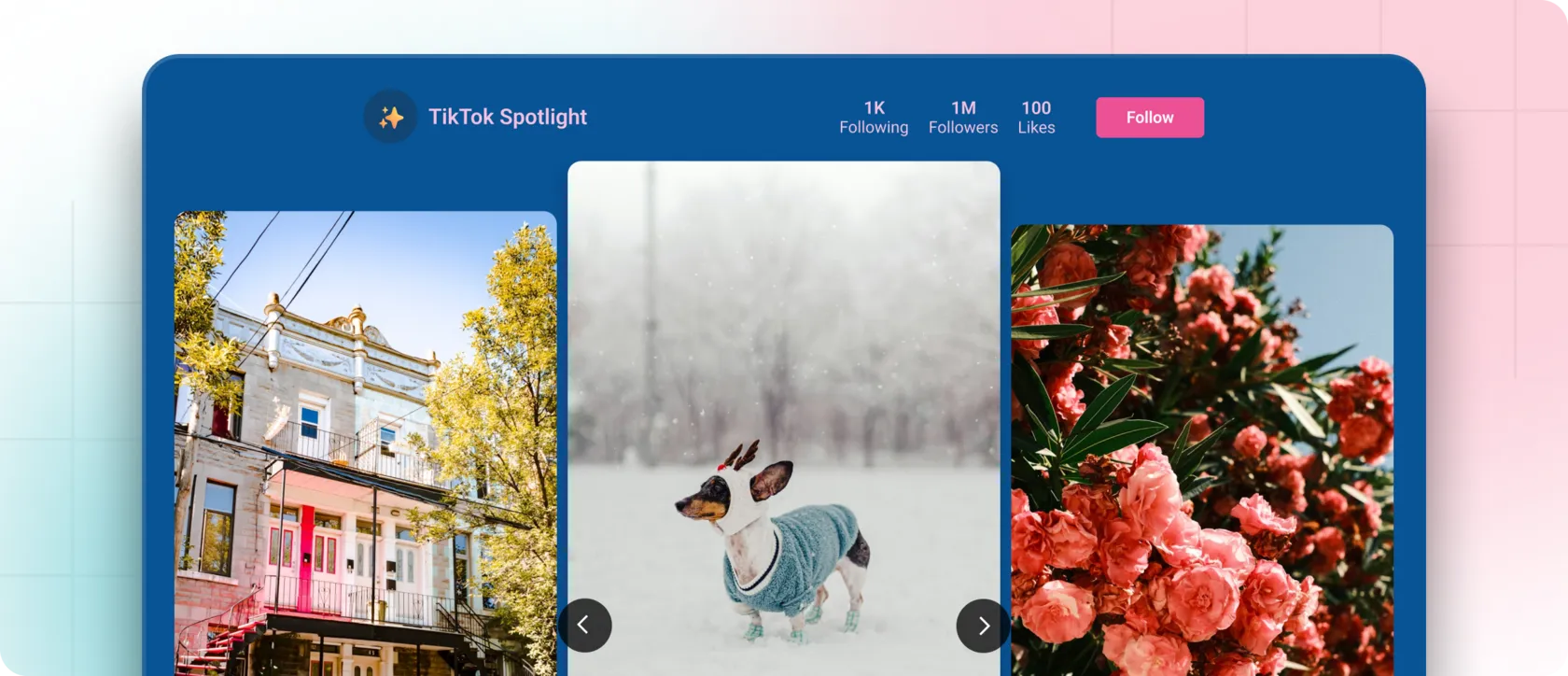
⚙️ Using a TikTok Feed Widget (Fast, Automated, No-Code)
With it, you can embed not just TikTok — but also Instagram and Facebook — in a single, lightweight, responsive gallery.
Here’s how the TikTok feed integration works:
1. Connect your TikTok account inside Mirror App
2. Choose your layout
- grid,
- carousel,
- collage,
- full gallery blocks.
3. Customize the design
- spacing,
- colors,
- thumbnail proportions,
- borders,
- hover states,
- typography.
The goal: make the TikTok block look native to your site, not like an external plugin.
4. Copy the generated embed code
5. Paste into your website
Save — and the feed goes live instantly.
From here, everything happens automatically.
🎨 Designing a TikTok Section That Feels Premium
✨ Use visual breathing room
✨ Avoid overwhelming the user
✨ Make it part of the story
- hero section (for bold brands),
- About page (to show personality),
- product page (for UGC and reviews),
- blog posts (for added motion),
- website footer (continuous engagement).
✨ Keep your tone consistent
This small level of polish significantly impacts user perception.
⭐️ Why Mirror App Is the Leading TikTok Widget for Modern Websites
Key advantages:
► Automatic synchronization
► Performance-optimized HTML
- faster loading,
- better SEO,
- zero layout shift,
- smooth mobile performance.
► Complete visual control
► Zero coding
Your audience already lives on TikTok — now you can bring that energy directly to your website. With tools like Mirror App, the entire process becomes effortless:
Connect → Customize → Copy the code → Paste → Go live.


FAQ
Our Clients Love Us


Straightforward setup, no login hassle, and the feed updates fine. Maybe not for advanced users, but great for anyone who wants something that just works out of the box.
For what you pay, this widget is a steal. Setup was just a few clicks from my dashboard; it looks clean on my site and matches my design. I also appreciate that they keep releasing new features — makes me feel like it's getting better all the time.