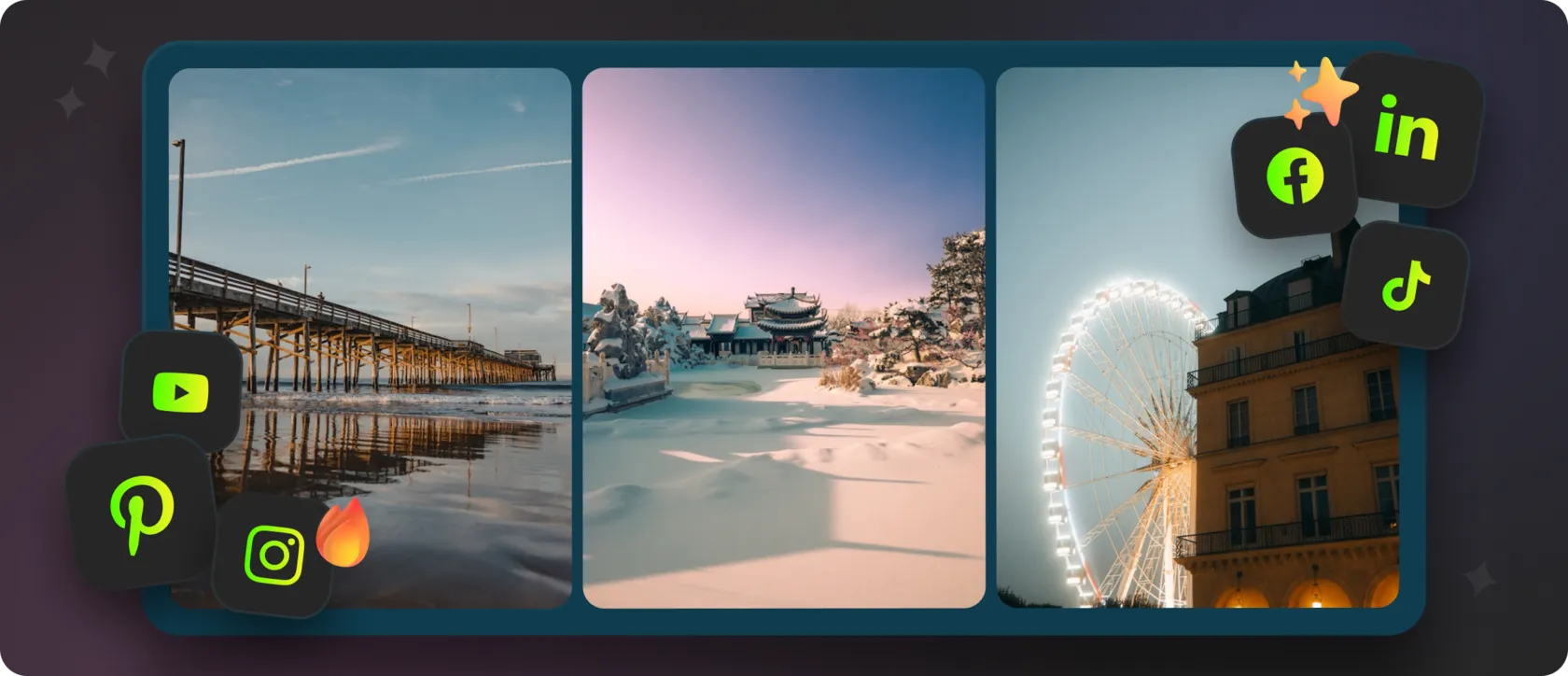
In today’s digital world, a website is no longer a static business card — it’s a living ecosystem that reflects your brand’s identity. One of the most powerful ways to make it dynamic, engaging, and real is through social media integration. By connecting Instagram, TikTok, Facebook, or YouTube to your site, you strengthen trust, boost engagement, and keep your content fresh without any manual updates.
Here’s how it works — and what solution businesses are choosing in 2025.
💬 What Is Social Media Integration?
Social media integration means connecting your social platforms directly to your website. This can include:
- Displaying real-time feeds from Instagram, Facebook, TikTok, or YouTube,
- Adding social media icons,
- Embedding galleries, videos, or user-generated content,
- Using dynamic widgets that show posts and media automatically.
In practice, you create a seamless loop:
Website ↔ Social platforms ↔ Audience
Content flows automatically, and every part of your digital presence works together.
💻 Why You Should Connect Social Media to Your Website
Integrating social platforms delivers several meaningful benefits:
1. Authenticity
Visitors see real posts, videos, stories, and behind-the-scenes content.
2. Higher Engagement
A live feed encourages people to like, comment, share, and follow.
3. SEO & On-Page Time
Fresh, dynamic content improves engagement metrics and can influence visibility.
4. Time Savings
Instead of manually updating galleries or sections on your site, the feed updates itself.
⚙️ How to Add Social Media to Your Website
Today, the most convenient and flexible approach is using a universal social media widget that you can embed with a single HTML code snippet.
✔ The most efficient solution: Mirror App
It’s an all-in-one tool for displaying Instagram, TikTok, and Facebook content as a fully responsive, automatically updated gallery.
🛠️ What Social Media Widgets Can Do
A social media widget is an embedded block that displays your posts, videos, or entire feeds. It’s ideal for brands, bloggers, creators, and eCommerce stores that want to show real activity and social proof.
With Mirror App, you can:
With Mirror App, you can:
- Add all popular social platforms — including Instagram, TikTok, Facebook, Pinterest, YouTube, and LinkedIn
- Choose layouts (grids, carousels, masonry, sliders),
- Adjust spacing and styles,
- Customize colors to match your branding,
- Embed your widget with a single HTML code.
🤗 Why Mirror App Is the Best Choice
If you’re tired of juggling multiple plugins, dealing with broken integrations, or fighting theme conflicts, Mirror App makes everything clean, fast, and reliable.
Mirror App allows you to:
In 2025, integrating your website with social media isn’t optional — it’s standard. Audiences expect brands to be active, transparent, and human.
Mirror App makes it effortless to embed social feeds, link your profiles, and keep your content fresh — all through one clean, flexible, automated system.
Mirror App allows you to:
- Connect multiple social platforms in one place,
- Update content automatically in real time,
- Customize the look to match your brand,
- Avoid coding entirely — everything works visually,
- Keep your website fast with a lightweight, responsive widget.
In 2025, integrating your website with social media isn’t optional — it’s standard. Audiences expect brands to be active, transparent, and human.
Mirror App makes it effortless to embed social feeds, link your profiles, and keep your content fresh — all through one clean, flexible, automated system.
👉 Try Mirror App Today — Let Your Social Content Shine Right on Your Website


FAQ
Our Clients Love Us


Love how no-code this feels. You literally connect, design, copy, and paste. No chasing API tokens or dealing with Facebook updates.
The service genuinely impresses me. They keep adding new features and widgets all the time. Everything is easy to set up, the interface is clear, and there’s no need to spend time on complicated configurations. The widgets look clean and fit perfectly into the website. Overall, it’s an excellent service, and I’ll definitely keep using it.