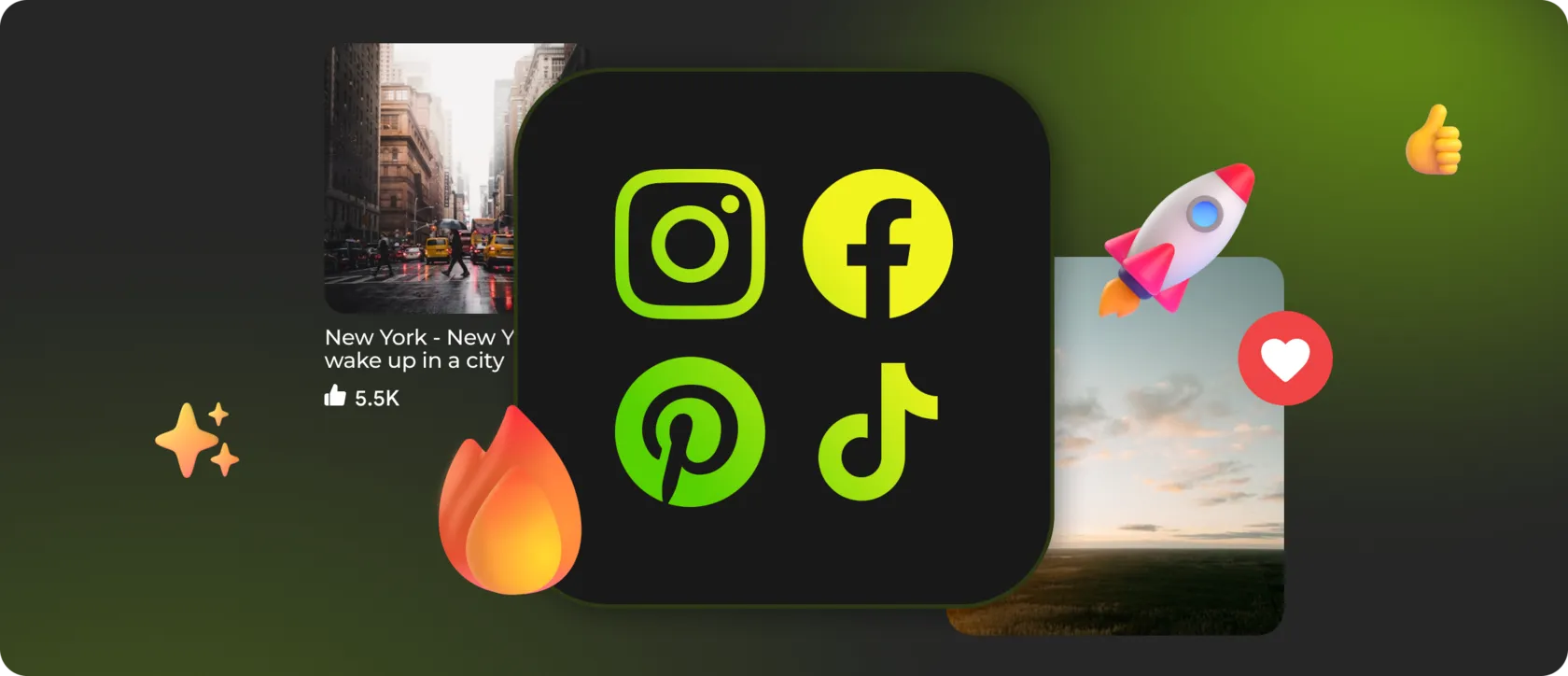
For most brands, creators, and businesses, it exists across multiple platforms at the same time — Instagram for visuals, TikTok for short-form video, YouTube for long-form content, Facebook for updates, LinkedIn for credibility, Pinterest for inspiration.
The real challenge in 2025 is not whether to show social media on your website — but how to do it without turning your page into a collage of unrelated embeds.
When social feeds are added without structure, they fragment attention and break visual consistency.
When they are unified into a single, controlled system, they become a living layer of content that reinforces trust, activity, and brand presence.
That’s where multi-platform social feeds come in — not as separate widgets, but as a single interface element that adapts to different content types while preserving design logic.
🙌 Why Multi-Platform Social Media Feeds Matter
When visitors land on a website, they subconsciously look for answers to simple questions:
- Is this brand active?
- Does it publish content regularly?
- Is there real engagement around it?
Multi-platform feeds are especially effective because they:
- increase engagement without forcing users to leave the site;
- extend session duration through dynamic, fresh content;
- build credibility by showing real activity across networks;
- connect different audiences into one brand narrative.
Instead of scattering attention across separate embeds, a single multi-feed creates a coherent social presence directly inside the website.
🎨 Flexible Layouts That Adapt to Each Platform
A modern social feed system should not force TikTok, Instagram, and YouTube into the same rigid format.
It should adapt layout logic to content behavior.
Mirror App supports multiple layout types that can be applied per widget or per platform:
► Grid Layout
► Square Grid / Masonry
► Masonry
► Carousel / Slider / Round Carousel
► Vertical Feed / Timeline
► List and Small Widget
🌪 One Widget, Multiple Networks — Without Visual Chaos
Instead of embedding:
- one Instagram plugin,
- one TikTok embed,
- one YouTube iframe,
- shares the same design language;
- follows a single grid and spacing system;
- behaves consistently across devices.
- mix Instagram, TikTok, YouTube, Facebook, Pinterest, and LinkedIn feeds;
- control how much content appears from each platform;
- switch layouts depending on context;
- keep everything responsive and lightweight.
⭐️ How to Build an Engaging Social Section (UX Best Practices)
► Limit visible content
► Match your design system
► Control interaction behavior
► Highlight what matters
► Keep content fresh automatically
🥇 Why Mirror App Is Built for Multi-Platform Social Feeds
Mirror App is designed from the start as a multi-platform feed system:
- supports Instagram, Facebook, TikTok, YouTube, Pinterest, and LinkedIn;
- offers multiple layouts for different content types;
- adapts automatically to mobile and desktop screens;
- updates content without manual maintenance;
- works with any CMS or custom HTML website.
That’s what turns social feeds from decorative add-ons into a strategic, living content layer — one that keeps your site fresh, credible, and engaging in 2025


FAQ
Our Clients Love Us

Straightforward setup, no login hassle, and the feed updates fine. Maybe not for advanced users, but great for anyone who wants something that just works out of the box.
For what you pay, this widget is a steal. Setup was just a few clicks from my dashboard; it looks clean on my site and matches my design. I also appreciate that they keep releasing new features — makes me feel like it's getting better all the time.