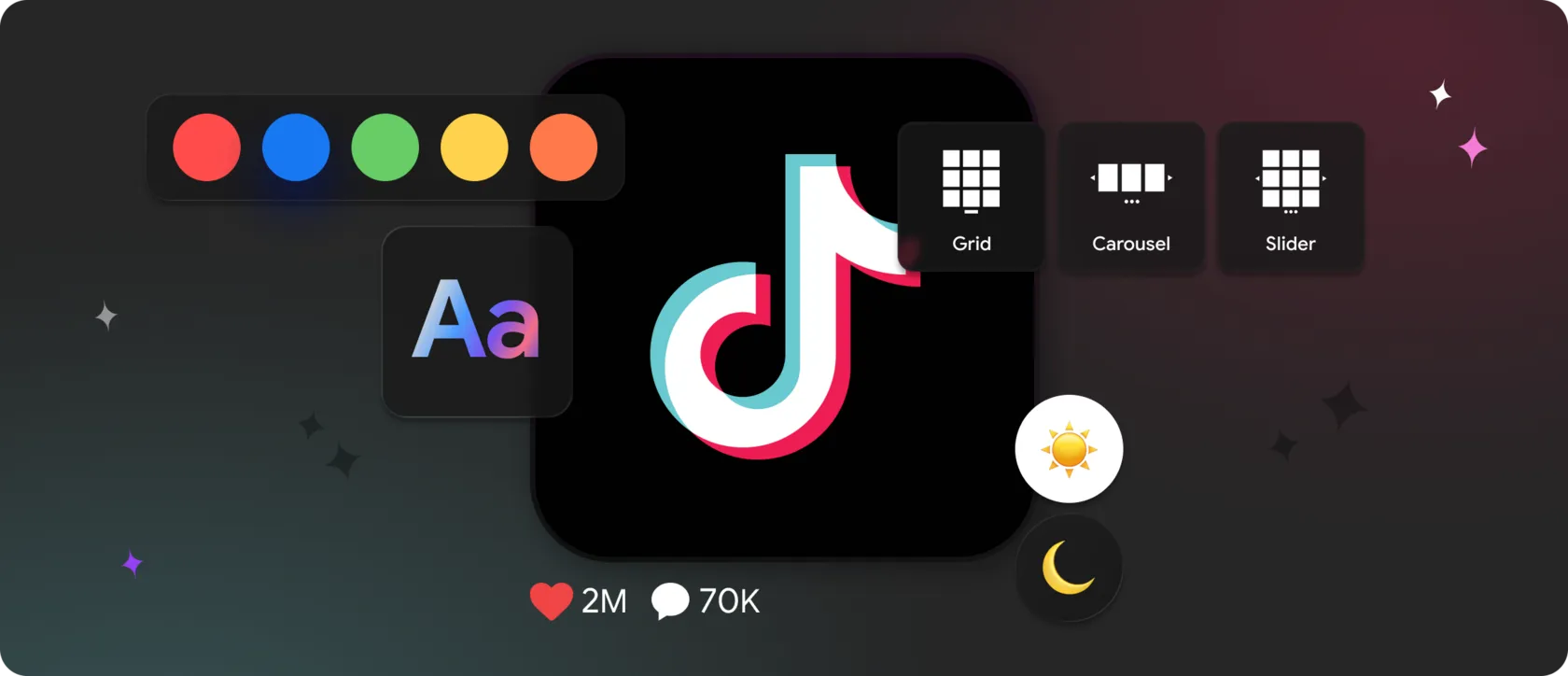
It’s fast, vertical, emotionally charged — and completely unforgiving to poor presentation. When TikTok videos are embedded without intention, they don’t enhance a page. They distract from it.
That’s why embedding TikTok on a website is no longer about showing videos.
It’s about controlling how motion, rhythm, and attention fit into your interface.
In 2025, websites that successfully use TikTok feeds treat them as:
- visual accents, not noise,
- structured media blocks, not raw embeds,
- and conversion-supporting elements, not entertainment for its own sake.
Below are the most effective and creative ways to display a TikTok feed on a website, based on modern UX practices — and how to implement them cleanly using Mirror App.
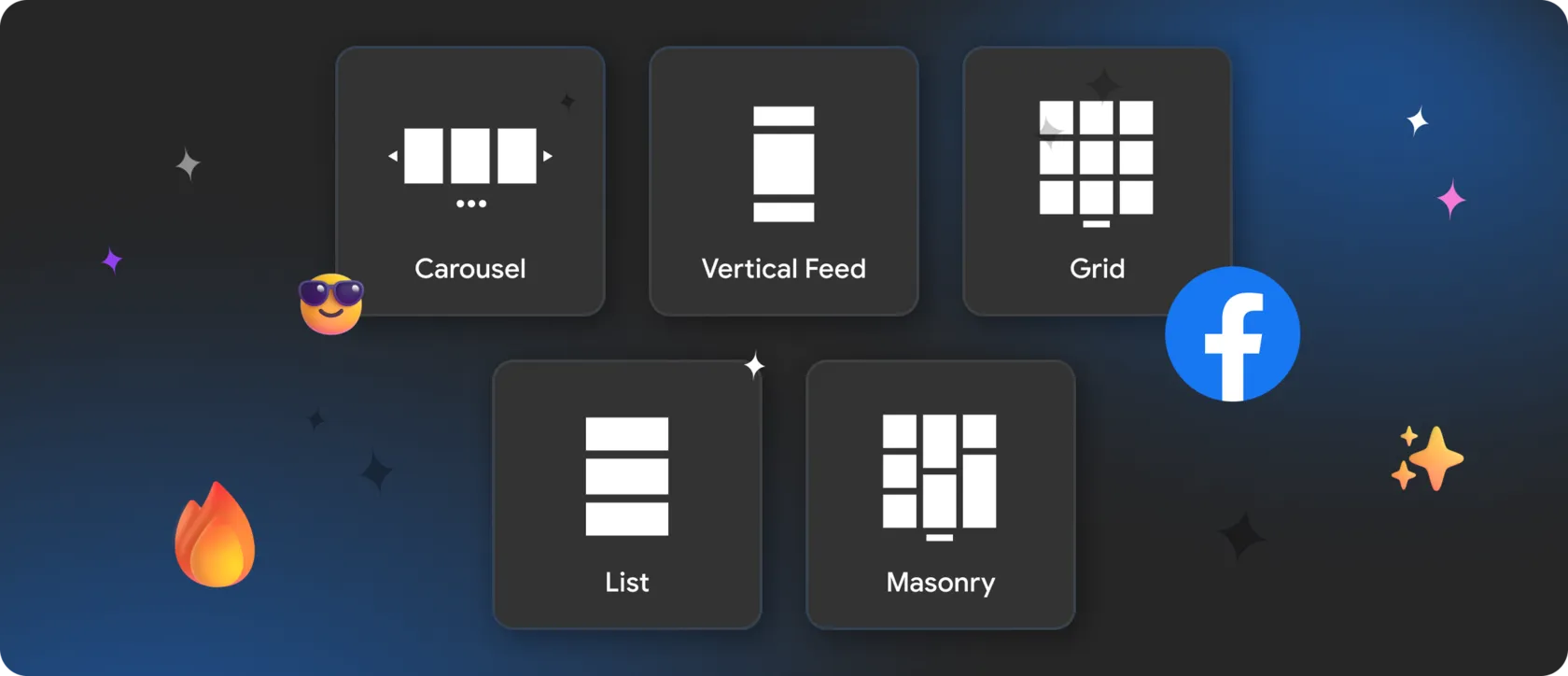
✨ Grid Layouts — When Structure Tames Motion
This layout is especially effective for:
- brand showcases and campaign pages;
- creator portfolios;
- landing pages that need visual energy without chaos.
- scan multiple videos at once;
- choose what to watch instead of being forced into autoplay;
- stay oriented within the page layout.
- adjust the number of columns and rows;
- control spacing between videos;
- fine-tune card styles, backgrounds, and corner radius;
- keep the feed responsive across screen sizes.
The result is motion contained within design, not overpowering it.
💅 Carousels and Sliders — Motion with Direction
They work best for:
- homepages and hero sections;
- featured or trending TikTok videos;
- seasonal or promotional highlights.
With MirrorApp, carousel feeds remain precise and lightweight:
- define how many videos are visible at once;
- control spacing and proportions;
- ensure smooth behavior on mobile devices.
🔄 Mixed Media TikTok Feeds — Context Over Consumption
In many cases, the strongest approach is combining video content with profile context and metadata.
Mixed media layouts work especially well for:
- creators building authority and recognition;
- brands explaining products alongside short-form videos;
- pages where content needs explanation, not just views.
- show TikTok videos alongside profile elements;
- balance motion with readable structure;
- keep visitors engaged without overwhelming them.
- control which elements appear in posts and popups;
- customize typography and colors;
- manage spacing, overlays, and interaction behavior.
🤝 Interaction, Popups, and Conversion Control
How users interact with it determines whether it supports your goals or pulls attention away.
Best-performing TikTok integrations usually include:
- popup viewing instead of instant redirects;
- optional display of likes, comments, and metadata;
- controlled click behavior (popup, TikTok, or none);
- sorting by date or popularity to manage content flow.
🌟 Why Mirror App Is the Smart Way to Display TikTok Feeds
Mirror App approaches TikTok feeds differently:
- multiple layouts: grid, carousel, mixed formats;
- full design control without code;
- responsive behavior by default;
- automatic updates as new videos are published;
- compatibility with any website platform.
That’s what turns TikTok from a social distraction into a structured, creative, and conversion-friendly element of a modern website in 2025.


FAQ
Our Clients Love Us

Love how no-code this feels. You literally connect, design, copy, and paste. No chasing API tokens or dealing with Facebook updates.
The service genuinely impresses me. They keep adding new features and widgets all the time. Everything is easy to set up, the interface is clear, and there’s no need to spend time on complicated configurations. The widgets look clean and fit perfectly into the website. Overall, it’s an excellent service, and I’ll definitely keep using it.