Most websites don’t struggle with traffic. They struggle with attention.Users decide whether to stay on a page within the first seconds, largely based on how engaging and interactive the page feels. UX research consistently shows that people don’t read pages line by line — they scan them, looking for signals of relevance and activity. SourceCreative social media widgets address this challenge by adding motion, variety, and real content to the page. Instead of claiming that a brand is active, they allow visitors to experience that activity directly on the website.
📊 Why Social Media Widgets Increase Engagement
Engagement grows when content feels current and alive.Nielsen Norman Group’s research shows that users rely on indirect cues of freshness and activity when deciding whether to trust and engage with a website. Regularly updated, authentic content strongly influences this perception. SourceSocial media widgets naturally provide these cues because they:
- update continuously,
- combine visual, video, and text formats,
- reflect real, ongoing activity rather than static marketing messages.
When visitors encounter Instagram visuals, short-form video, or professional updates directly on the page, they are more likely to pause, scroll, and interact — without being prompted.With Mirror App, content from multiple platforms can live in one interactive block, allowing users to explore naturally without leaving the site.
🔍 Engagement Comes from Exploration, Not Distraction
There is a common concern that social widgets may distract users from core content. Research suggests the opposite when interactive elements are integrated thoughtfully.Google’s UX and page experience guidelines emphasize that engaging, well-structured content helps users stay longer and interact more deeply — as long as it supports the page’s primary purpose. SourceWhen social widgets are embedded as part of the page layout, they encourage exploration rather than interruption. Users interact because the content feels relevant and contextual, not because it demands attention.
🎨 Creative Ways to Display Social Media Widgets
How content is presented directly affects user behavior. Google’s research on mobile and web usability highlights that users engage more with content that is visually structured, scannable, and easy to interact with — especially on smaller screens. SourceEffective display approaches include:
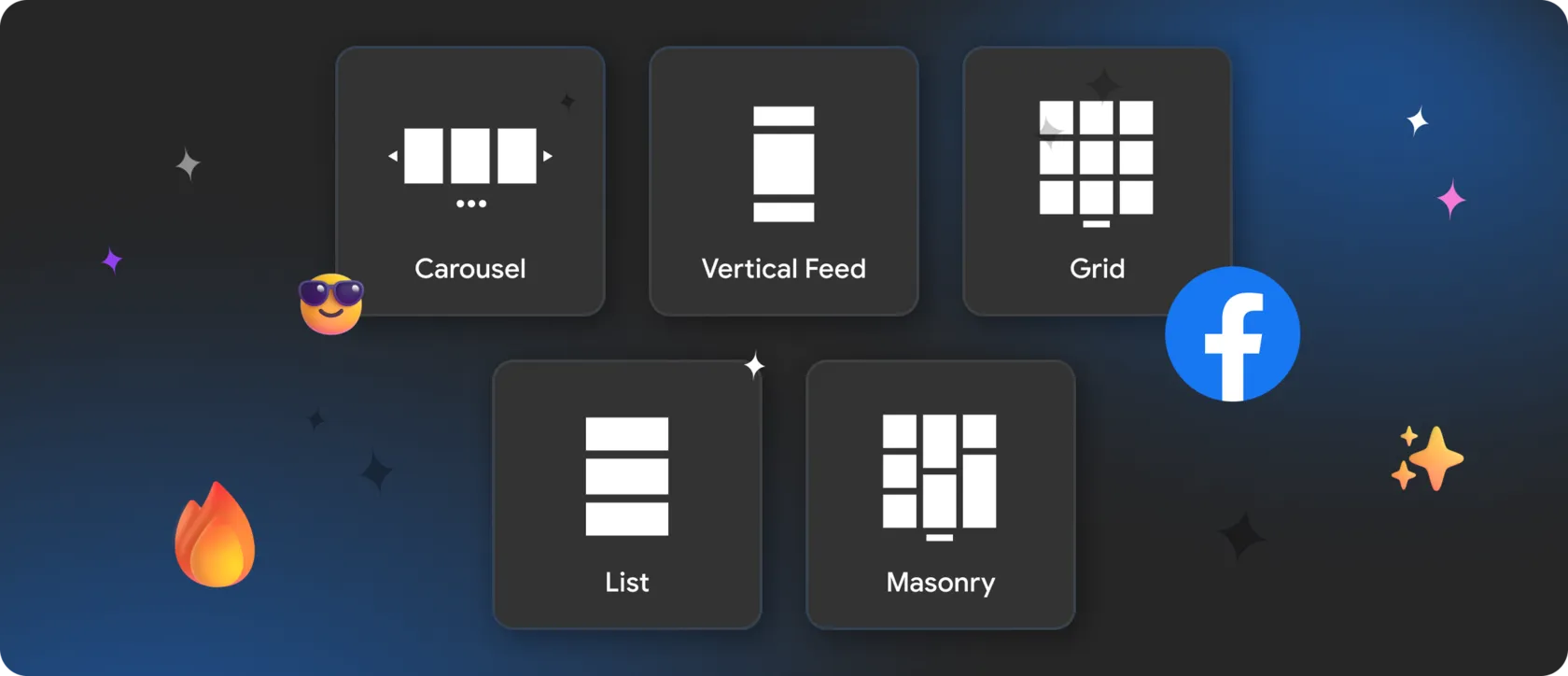
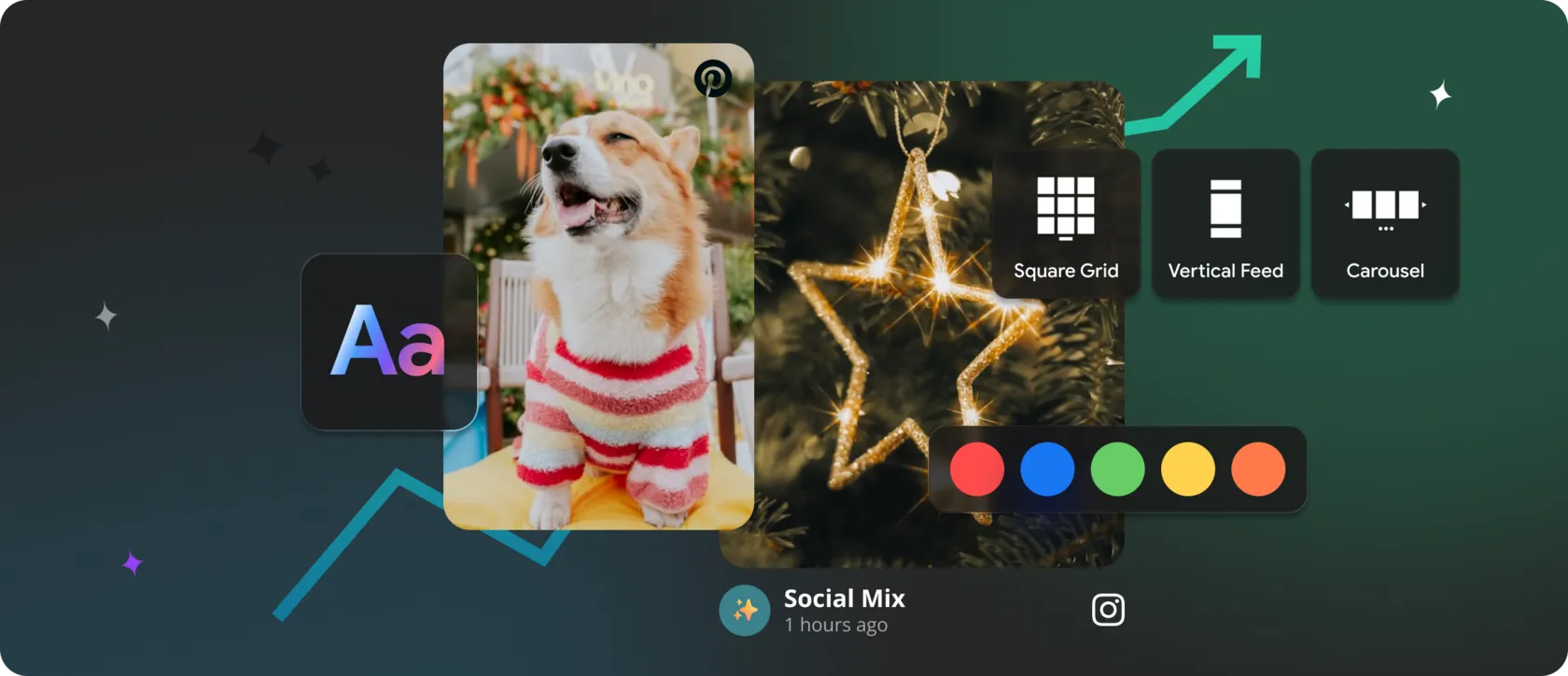
► Grid layouts
Ideal for Instagram and Pinterest galleries, supporting visual discovery.
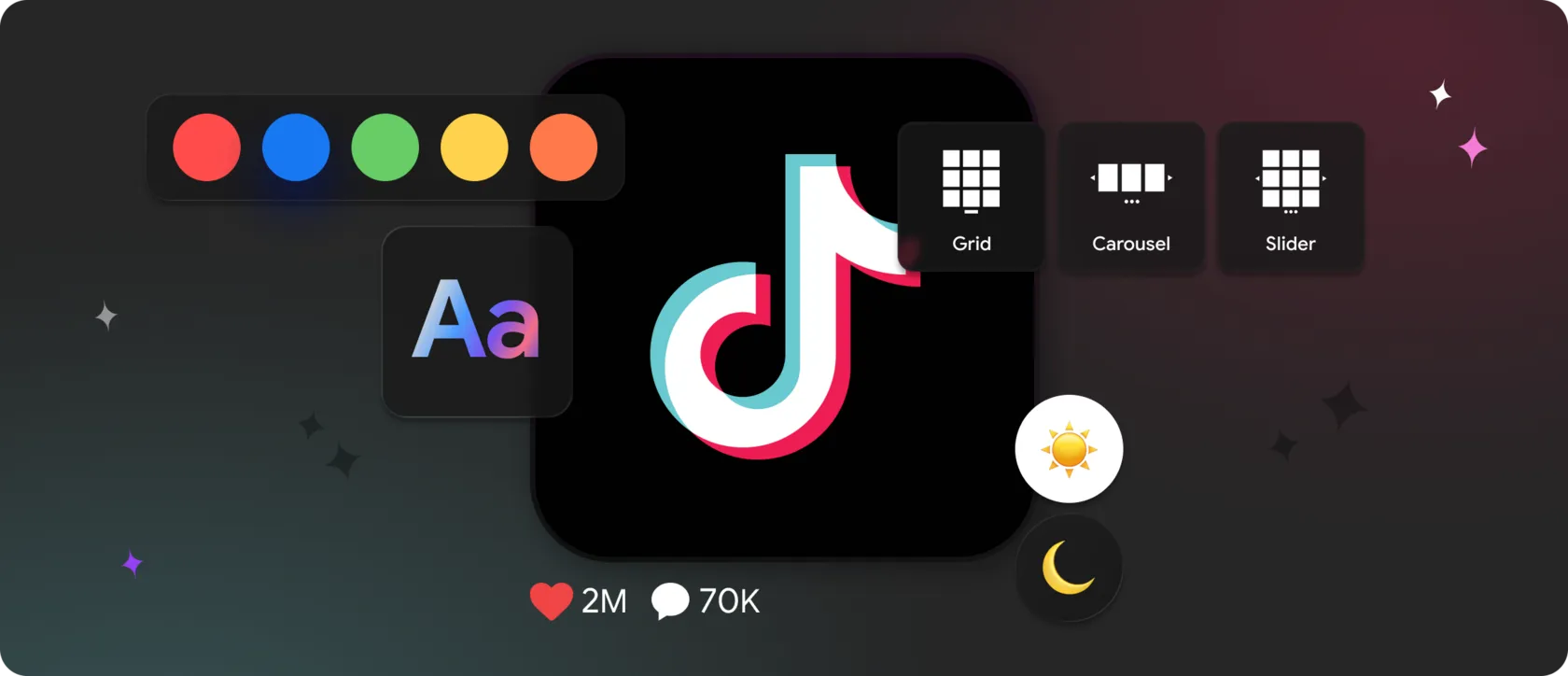
► Carousel sliders
Useful for TikTok and YouTube videos, adding motion without overwhelming the page.
► Timeline feeds
Effective for Facebook or LinkedIn updates where consistency over time matters.
► Featured post sections
Highlight key content without forcing users to browse everything.
These formats turn social content into an interactive design element, not a static embed.
🤔 How Mirror App Is Designed for Engagement
Mirror App is built around the idea that social widgets should support the page experience, not sit alongside it.It enables brands to:
- combine Instagram, Facebook, TikTok, YouTube, Pinterest, and LinkedIn into one widget;
- choose layouts based on page goals, not platform limitations;
- maintain visual consistency with the site’s design;
- keep content updated automatically without manual effort.
This avoids the usability and performance issues often caused by stacking multiple third-party embeds.
✅ What This Means for Visitor Behavior
Sites that integrate dynamic, interactive content often see improvements in:
- time spent on page,
- depth of interaction,
- return visits.
Google explicitly highlights user engagement and page experience as indicators of overall content quality. SourceImportantly, these gains happen before any conversion attempt — making the entire user journey more effective.
🏆 Why Mirror App Works as a Social Media Widget Platform
Many solutions focus on a single network or a single format. Mirror App treats social widgets as part of the overall website system:
- multiple platforms in one unified block,
- responsive behavior across devices,
- consistent design instead of fragmented embeds,
- centralized management without technical complexity.
The result is a website that feels interactive, current, and worth exploring — while remaining clear, focused, and easy to use.


FAQ
Our Clients Love Us


Love how no-code this feels. You literally connect, design, copy, and paste. No chasing API tokens or dealing with Facebook updates.
The service genuinely impresses me. They keep adding new features and widgets all the time. Everything is easy to set up, the interface is clear, and there’s no need to spend time on complicated configurations. The widgets look clean and fit perfectly into the website. Overall, it’s an excellent service, and I’ll definitely keep using it.