Unlike Instagram or TikTok, Pinterest content doesn’t disappear within hours. A single well-performing pin can drive traffic for weeks or even months, while boards function as visual catalogs and navigation systems. This makes Pinterest closer to search engines and marketplaces than to traditional social feeds.
Who embeds Pinterest feeds on their websites — and why
- eCommerce brands with visual choice mechanics (fashion, interior, décor, jewelry, cosmetics), where Pinterest can generate up to 30–40% of referral traffic from visual collections to product pages;
- Design and architecture studios, using Pinterest as an extended portfolio and inspiration layer for clients;
- Lifestyle, travel, and food blogs, to increase time on site and content depth;
- DIY communities, design schools, and creative agencies, as curated libraries of ideas and references;
- Local brands and craft businesses, to showcase work and build trust visually.
That’s why a Pinterest feed on a website is not a “social block” — it is a zone of inspiration and choice. But only if it is structured and aligned with the site’s design.
In 2025, embedding Pinterest is no longer about “showing pins.”
It’s about organizing visual ideas in a way that helps users make decisions instead of getting lost in endless scrolling.
Below is a practical breakdown of how to display a Pinterest feed on your website correctly — and how to do it without code using Mirror App.
💚 Choosing the Right Pinterest Feed Format
The most effective Pinterest feed formats include:
✔ Board Feed
Best for focused inspiration. Ideal for showcasing a single theme, collection, or moodboard — interiors, styles, recipes, or curated looks.
✔ Profile Feed
Works well for brands and creators with a consistent visual identity. It shows content breadth without losing cohesion.
✔ Pin Carousel
Suitable for featured pins or pages with limited space, where Pinterest acts as a visual accent rather than a full gallery.
Choosing the wrong format creates visual noise. Choosing the right one creates clarity and control.
Mirror App lets you use any of these formats while maintaining full control over:
- the number of displayed pins;
- spacing and proportions;
- responsive behavior across devices.
This allows Pinterest content to support your page structure instead of dominating it.
🎨 Layout Templates and Content Modes — How to Control Pinterest, Not Just Embed It
Available layout templates and when to use them
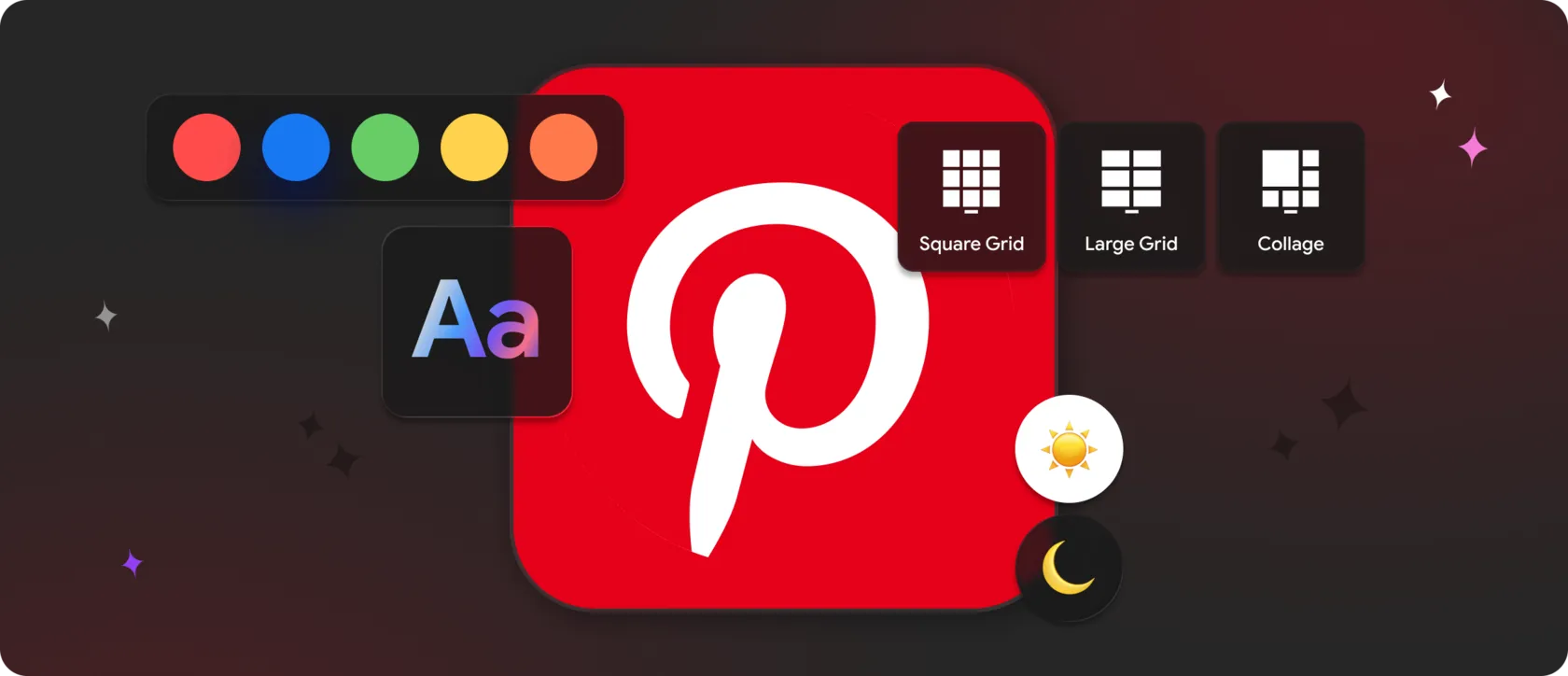
► Square Grid
► Large Grid
► Masonry
► Collage
► Slider / Carousel / Round Carousel
► List and Small Widget
☝️ Pins, Boards — or Both in One Widget
Modern Pinterest widgets allow you to:
- display only Pins — when individual ideas matter most;
- display only Boards — when structure and navigation are the priority;
- display Pins and Boards in one widget, switching between them via tabs.
- users first explore boards to understand the theme;
- then dive into pins to find specific ideas.
- keeps the interface clean;
- prevents content overload;
- gives users control over how they browse.
👑 Visual Customization — Turning Pins into a Designed System
With Mirror App, you can:
- control grid density and visual rhythm;
- choose light or dark themes depending on context;
- limit content volume intentionally;
- enable automatic updates for new pins;
- combine multiple boards or profiles into one curated feed.
They perceive it as a natural part of your website.
🤝 When Pinterest Feeds Work Best — and When They Don’t
Pinterest feeds perform best when:
- users are choosing, comparing, or exploring ideas;
- the website relies on visual decision-making;
- content can be logically structured into themes and boards;
- Pinterest acts as a visual navigation layer, not entertainment.
Pinterest feeds are not ideal when:
- the page requires strict focus on a single action (checkout, form submission, critical CTA);
- the content is not visual or inspirational by nature;
- the feed is added “just because others have it,” without a clear use case.
🏆 Why Mirror App Is a Practical Choice for Pinterest Feeds
Mirror App approaches Pinterest feeds differently:
- fully responsive widgets by default;
- multiple layouts without code;
- precise control over spacing, themes, and content volume;
- automatic content updates;
- compatibility with any CMS or HTML-based website.
That’s how a Pinterest feed becomes a strategic visual tool, rather than a decorative element — helping users get inspired, compare options, and make decisions faster.


FAQ
Our Clients Love Us

Plenty of visual customization — colors, spacing, fonts. I matched the widget perfectly to my portfolio site without writing CSS. It took me a few minutes to figure out where the shortcode goes in Elementor, but the help guide made it clear. Worth it for small businesses or freelancers who want control over design without extra plugins.
Absolutely awesome widgets! Setup took just a couple of minutes, everything works smoothly and reliably. Social media content displays perfectly. I really love that everything can be customized — I was able to make it look exactly the way I wanted. Definitely recommend!