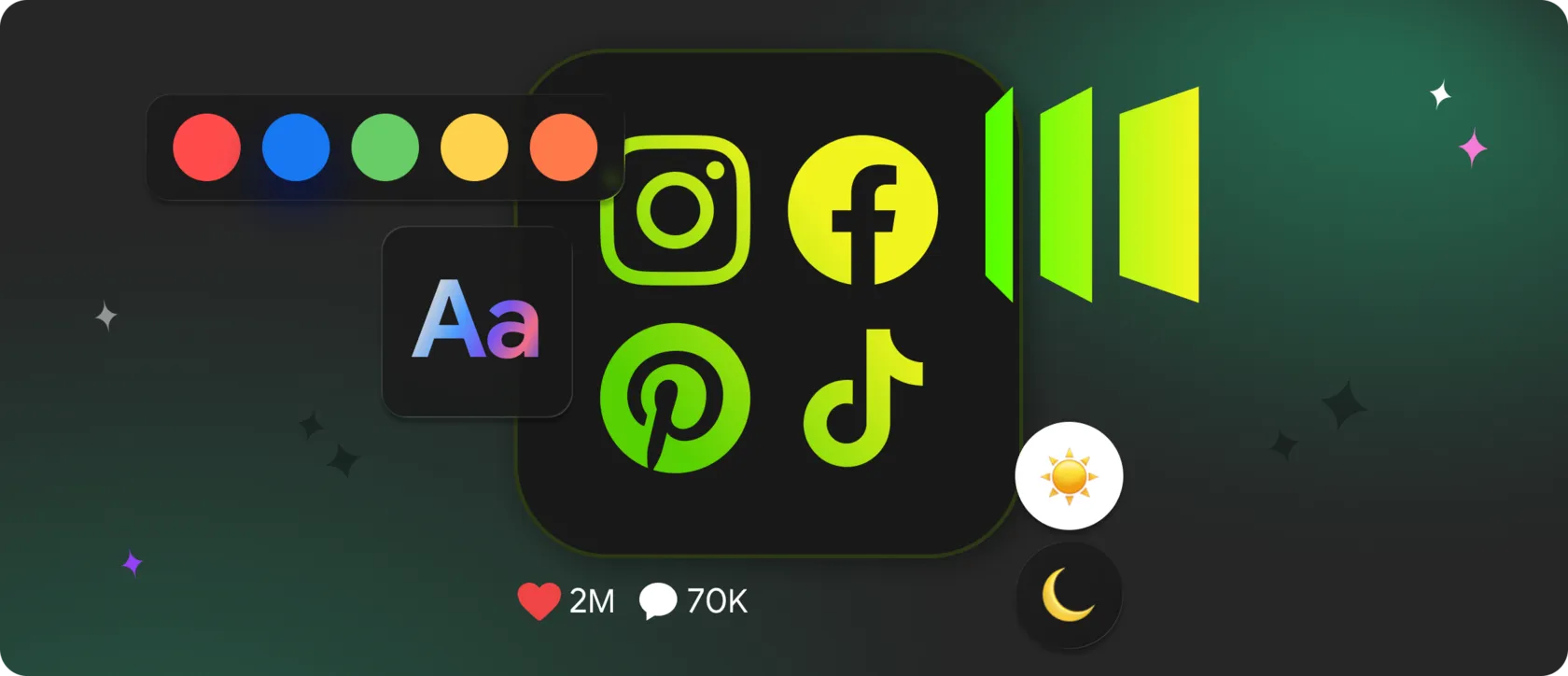
Good website design is no longer judged by aesthetics alone. It’s judged by how current the page feels.
Research consistently shows that users associate visual freshness with quality, even when the underlying content hasn’t changed. A layout can be technically perfect — and still feel outdated if it doesn’t evolve.
Research consistently shows that users associate visual freshness with quality, even when the underlying content hasn’t changed. A layout can be technically perfect — and still feel outdated if it doesn’t evolve.
This is where social media widgets quietly change the role of design. They don’t just add content. They introduce time into the interface.
💅 Why Visual Freshness Matters More Than Visual Complexity
One of the less obvious findings in UX research is that users don’t respond best to complexity — they respond to change.
Studies from the Nielsen Norman Group show that people perceive interfaces as “better designed” when they notice:
Social media widgets naturally create this effect. Even when the layout stays the same, the content inside it changes — signaling that the site is active and maintained.
This allows designers to achieve visual freshness without redesigning the layout.
Studies from the Nielsen Norman Group show that people perceive interfaces as “better designed” when they notice:
- recent visual updates,
- variation in content blocks,
- elements that change between visits.
Social media widgets naturally create this effect. Even when the layout stays the same, the content inside it changes — signaling that the site is active and maintained.
This allows designers to achieve visual freshness without redesigning the layout.
🎬 Movement as a Design Signal (Not an Animation Trick)
Motion in web design is often misunderstood. It’s not about animations — it’s about direction and depth.
Research in human–computer interaction shows that subtle, content-driven motion:
Unlike sliders or animated banners, social video doesn’t feel decorative — it feels informational. That distinction matters.
Research in human–computer interaction shows that subtle, content-driven motion:
- helps users understand hierarchy,
- draws attention without cognitive overload,
- increases perceived modernity of a page.
Unlike sliders or animated banners, social video doesn’t feel decorative — it feels informational. That distinction matters.
🌪 Why Mixed Content Formats Improve Visual Balance
Design systems thrive on contrast.
✅ A page made entirely of text feels heavy.
✅ A page made entirely of images feels shallow.
✅ A page made entirely of video feels overwhelming.
Research into visual scanning patterns shows that users stay engaged longer when pages mix:
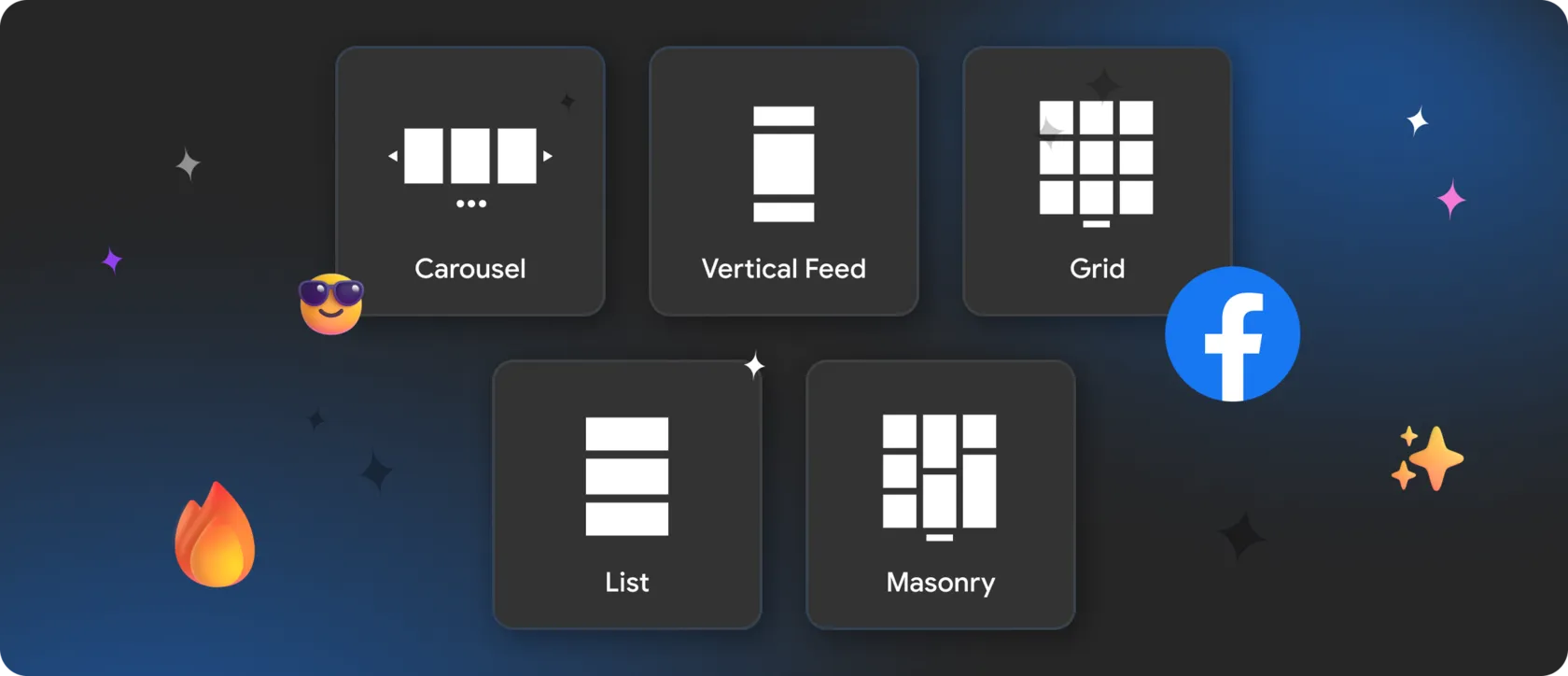
🟢 Instagram and Pinterest provide structured visual grids.
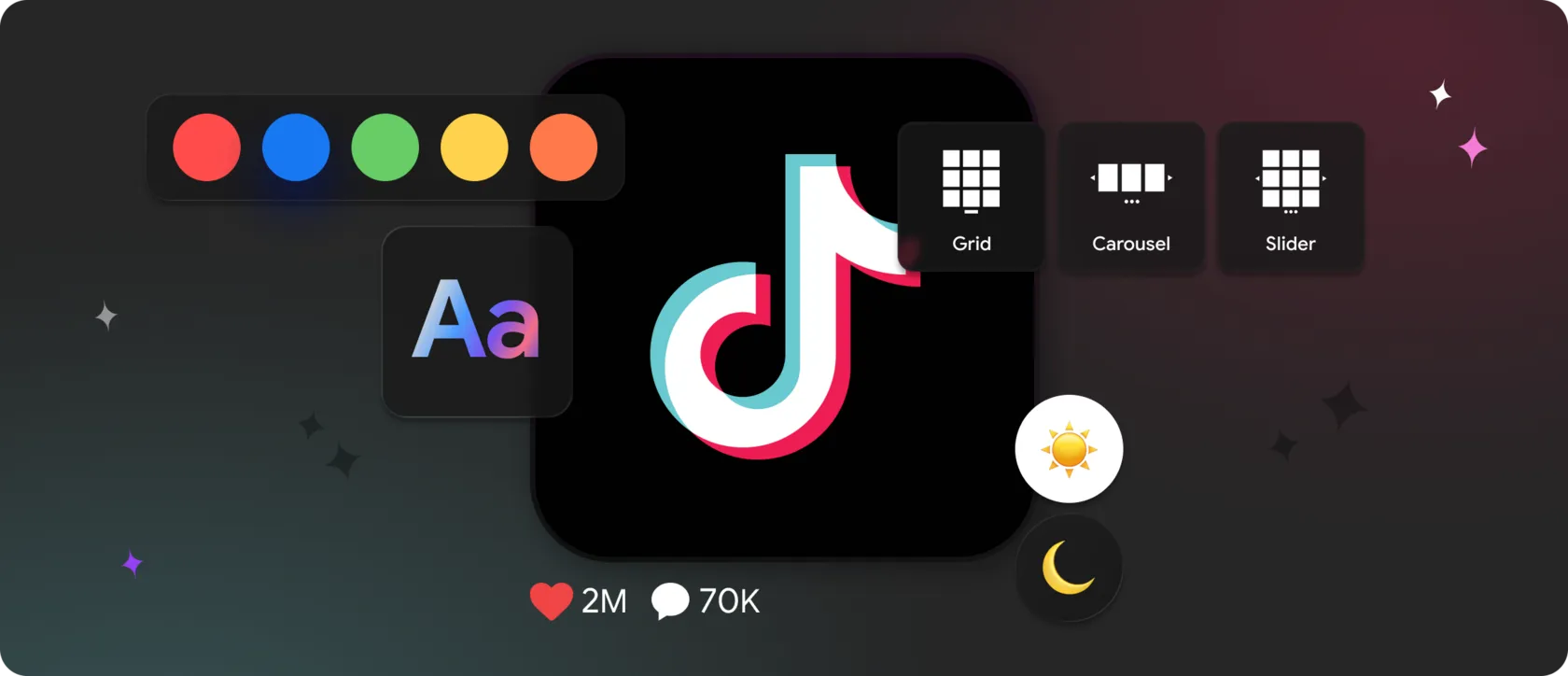
🟢 TikTok and YouTube introduce dynamic depth.
🟢 LinkedIn adds rhythm through text-based updates.
When combined, these formats create visual pacing — a key factor in perceived design quality.
With Mirror App, these formats can be unified into a single design-controlled block, rather than appearing as mismatched embeds.
✅ A page made entirely of text feels heavy.
✅ A page made entirely of images feels shallow.
✅ A page made entirely of video feels overwhelming.
Research into visual scanning patterns shows that users stay engaged longer when pages mix:
- static elements (headings, copy),
- structured visuals (grids, cards),
- dynamic media (video, live content).
🟢 Instagram and Pinterest provide structured visual grids.
🟢 TikTok and YouTube introduce dynamic depth.
🟢 LinkedIn adds rhythm through text-based updates.
When combined, these formats create visual pacing — a key factor in perceived design quality.
With Mirror App, these formats can be unified into a single design-controlled block, rather than appearing as mismatched embeds.
🕗 Design Longevity: Why Widgets Reduce Redesign Frequency
One of the most overlooked benefits of social widgets is economic, not visual.
Data from digital agencies shows that many redesigns happen not because a layout is broken, but because it looks stale. Replacing imagery, updating banners, and refreshing sections consumes time and budget.
Widgets introduce a self-renewing layer:
Data from digital agencies shows that many redesigns happen not because a layout is broken, but because it looks stale. Replacing imagery, updating banners, and refreshing sections consumes time and budget.
Widgets introduce a self-renewing layer:
- the layout remains stable,
- the content evolves continuously,
- the site looks different on repeat visits.
🌟 Where Social Widgets Fit Best in Modern Layouts
Eye-tracking studies show that users don’t follow pages top-to-bottom. They move in loops.
Widgets work best when placed where attention naturally dips:
Widgets work best when placed where attention naturally dips:
- between long content sections,
- after dense informational blocks,
- near transitions between topics,
- before the final CTA.
💚 How Mirror App Supports Design-First Integration
Mirror App is built around the idea that dynamic content should respect the design system, not override it.
From a design standpoint, it offers:
From a design standpoint, it offers:
- consistent layout logic across multiple platforms;
- control over spacing, alignment, and density;
- responsive behavior aligned with breakpoints;
- predictable content flow that designers can plan for.
🎨 The Real Design Advantage: Perceived Modernity
Perhaps the most interesting insight from UX research is this:
Users often describe sites with dynamic content as: “modern”, “professional”, “well maintained” — even when they can’t explain why.
Social media widgets contribute to this perception by:
- embedding real-time relevance,
- showing ongoing activity,
- preventing visual stagnation.
🤓 Designing for Change, Not Perfection
Perfect layouts age fast. Flexible layouts age well.
By integrating social media widgets into the design system, websites gain an adaptive layer — one that evolves without constant intervention.
By integrating social media widgets into the design system, websites gain an adaptive layer — one that evolves without constant intervention.
With Mirror App, design stops being a snapshot and becomes a living framework, capable of staying relevant long after launch.


FAQ
Our Clients Love Us

A good widget for different social networks. I used Instagram Feed Widget, and it worked well. The only downside is that the free plan offers a limited number of views. But that's why it's free, I guess.

Convenient and simple app, installation went smoothly. The reply from support took a bit of time, but everything else is great.