Connect Google and Facebook Reviews, bring in testimonials from other sources, and track visitor interactions with new analytics integrations.
Customer feedback has a habit of spreading across different places. A five-star review on Google. A recommendation on Facebook. A lovely message from a customer that never made it beyond your inbox.
Getting all of that onto your website used to involve a fair bit of copying, pasting and switching between tools.
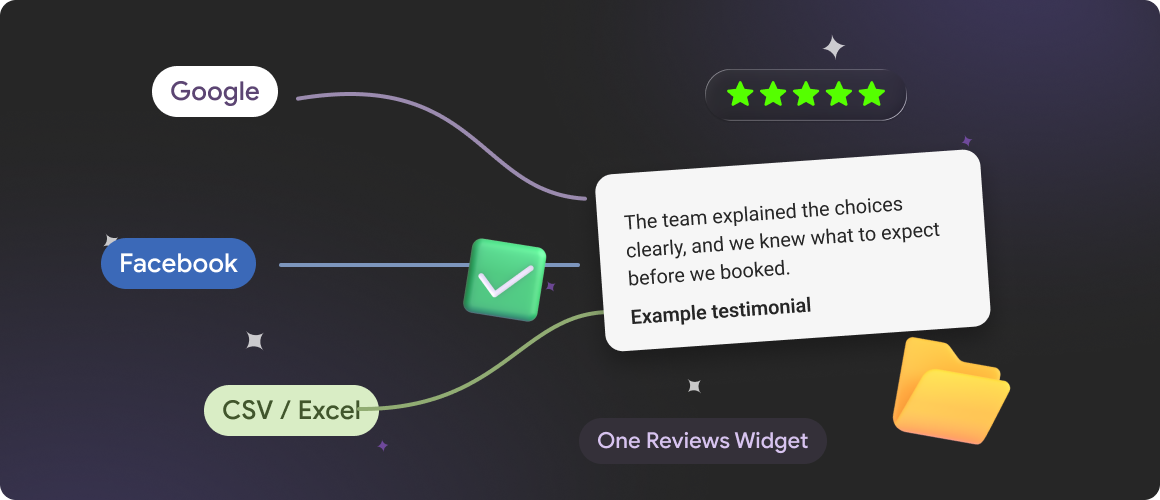
We've expanded Reviews Widget to make the process easier. You can now connect reviews from Google and Facebook, add testimonials manually or import them from a file. We've also introduced integrations with Google Analytics, Meta Pixel and Amplitude, so you can see how visitors interact with your reviews.
Here's what's new.
Google Reviews: Two Ways to Connect
You no longer need access to a Google Business Profile to add a company's public Google reviews to your widget.
We've introduced a simpler connection option: search by business name or paste a Google Maps link.
Find the business you're looking for, select it and connect its reviews to your widget.
If you're managing your own business, you can also connect through your Google Business Profile.
Both options are available in the Source section:
- Find Your Company: Search by business name or Google Maps URL.
- Google Business Profile: Sign in with Google to connect your own business account.
This also makes it easier for agencies and web designers to add Google reviews to client websites without requiring access to the client's Google account just to find their public reviews.
Facebook Reviews Are Here Too
Your customers might be sharing their experiences on Facebook as well as Google. Now you can bring those recommendations into the same Reviews Widget.
To connect Facebook Reviews, open Source → Facebook and select Connect with Facebook.
You'll be taken through Facebook's authorisation process to connect a business Page you have permission to manage.
Once connected, you can display Facebook reviews alongside Google reviews in a single widget.
That means visitors can explore feedback from different platforms without leaving your website. And you don't have to maintain separate widgets for each review source.
A restaurant might collect most of its reviews on Google, while its regular customers leave recommendations on Facebook. Both can now contribute to the same customer feedback section.
Got Reviews Somewhere Else? Bring Them Along.
Not all customer feedback comes from Google or Facebook.
Maybe you've collected testimonials through email, customer surveys or another reviews service. Perhaps you already have a spreadsheet full of feedback you'd like to use.
We've added two ways to bring those reviews into Mirror App.
Add Individual Reviews
With the new Add Review form, you can create review entries directly in the editor.
Each review can include:
- Reviewer name or anonymous attribution
- Review text and star rating
- Images or videos
- Review date
You can also add multiple entries and save drafts while preparing your collection.
It's useful for testimonials collected directly from customers, particularly when you want to include a few selected stories alongside reviews from connected platforms.
Import Reviews from CSV or Excel
If you have dozens or hundreds of reviews, adding them one by one isn't a particularly appealing afternoon.
The new Import File feature lets you upload reviews in CSV or Excel format (.csv, .xls and .xlsx), with files up to 10 MB.
There's also a downloadable template to help you organise your data before importing it.
Whether you're moving from another reviews platform or bringing an existing collection into Mirror App, you can prepare your reviews in a spreadsheet rather than recreating them individually.
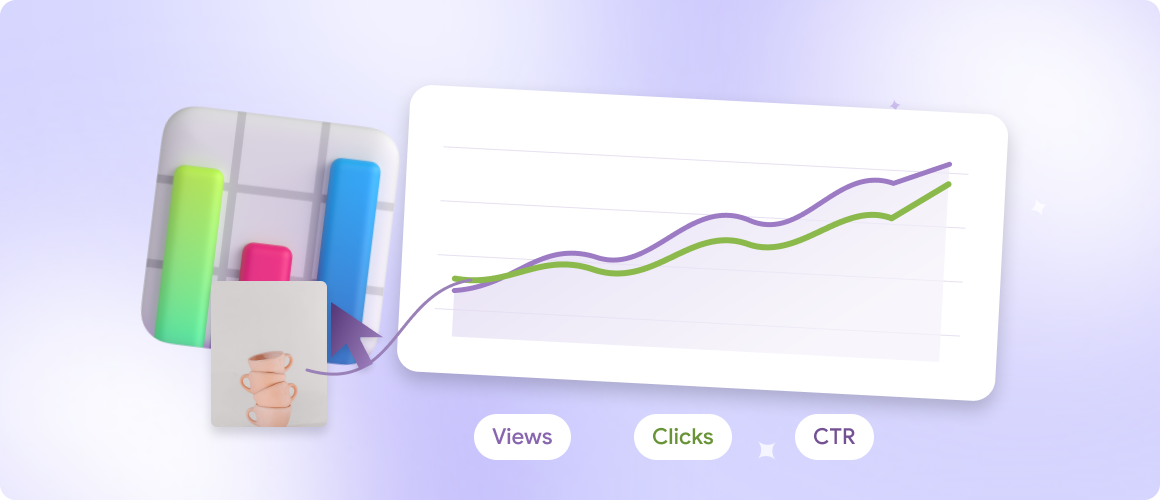
New Analytics: See What Visitors Actually Do
Reviews can be among the most persuasive elements of a website. But how do people interact with them?
Do visitors open individual reviews? Follow links to Google or Facebook? Click the button to leave feedback of their own?
We've added support for three analytics platforms to help you answer those questions:
- Google Analytics 4
- Meta Pixel
- Amplitude
You can connect the tools you already use and choose which widget events to send.
What Can You Track?
- Event: widget_view; Visitor action: Views the Reviews Widget
- Event: review_popup_open; Visitor action: Opens an individual review popup
- Event: review_source_open; Visitor action: Opens the original review source
- Event: write_review_popup_open; Visitor action: Opens the Write a Review popup
- Event: write_review_redirect; Visitor action: Follows the link to leave a review
For example, you could see how often visitors explore individual customer stories, or whether your Write a Review button is getting attention.
The data can also sit alongside your existing website analytics, helping you understand how the reviews section fits into the broader visitor journey.
Choose the Events That Matter
Each integration has its own settings inside the Analytics tab.
Google Analytics supports a GA4 Measurement ID, with an option to use Google Analytics already installed on your website.
Meta Pixel connects through your Pixel ID, and Amplitude through your project's API key.
You can switch individual events on or off separately for each platform.
One Widget, More of Your Customers' Stories
Your customers don't all use the same platform to leave feedback. Now your website doesn't have to depend on one source either.
With the updated Reviews Widget, you can combine Google and Facebook reviews with testimonials collected elsewhere, customise how they appear, and connect visitor interactions to your analytics tools.
All from the same editor.
Explore the updated Reviews Widget
Open your Mirror App dashboard, create or edit a Reviews Widget, and head to the Source and Analytics sections to try the new features.